Google-Ready, Not Just ‘Gram-Ready: A Practical SEO Makeover for Your Liinks Page in Under an Hour

Your link in bio probably looks great on Instagram.
But what happens when someone Googles you?
If the answer is: “Uh… my old LinkedIn and a Medium post from 2020,” you’re leaving a lot of money, brand deals, and dream clients on the table.
Here’s the good news: you don’t need a full-blown website redesign to look good on Google. You can turn your Liinks page into a mini SEO powerhouse in under an hour.
This is your makeover plan.
Why Your Liinks Page Should Care About Google
Social is where people meet you. Search is where people check you.
They’ve seen your Reel, they’ve heard your podcast, they’ve screenshotted your TikTok. Now they’re typing:
your name + nicheyour handlethat creator who teaches X
If Google serves them a clean, on-brand Liinks page that clearly explains who you are, what you do, and what to click next? You instantly look more legit.
Benefits of making your Liinks page Google-ready:
- You look like a real business, not just a fun account. Great for brand deals, press, and clients.
- You control the story. Instead of random old profiles ranking, your curated hub shows up.
- You capture high-intent people. Anyone who’s searching your name is already interested.
- You get more from content you’ve already made. Your Reels, TikToks, and podcast episodes have somewhere searchable to live.
If you want to go deeper on turning your whole online presence into a search magnet, pair this with our post on turning your bio into a mini search engine: SEO, But Make It Bio: How to Turn Your ‘About Me’ Section into a Mini Search Magnet.
The 60-Minute SEO Makeover Game Plan
We’re going to treat your Liinks page like a tiny one-page website and run through a quick SEO checklist:
- Clarify your “Google identity” (what you want to show up for)
- Fix the words Google sees first
- Clean up your link structure so humans don’t bounce
- Add a few strategic “Google signals”
- Make it stupid-easy for people to take action
Set a 60-minute timer. This doesn’t have to be perfect; it just has to be better than “vibes and random buttons.”
Step 1: Decide What You Want to Rank For (10 minutes)
Before you touch a single setting, answer this:
If someone Googles you and actually wants something… what is it?
Are they trying to:
- Hire you (designer, coach, photographer, consultant)?
- Buy from you (digital products, templates, merch)?
- Listen to you (podcast, YouTube, music)?
- Learn from you (tutorials, guides, resources)?
Then, layer in your niche.
Fill in this sentence:
When people search my name, I want them to see that I’m a [role] who helps [audience] with [topic].
Examples:
- “I’m a Notion creator who helps freelancers with systems and productivity.”
- “I’m a photographer who helps NYC couples with candid, documentary-style photos.”
- “I’m a podcaster who helps new creators with growing on TikTok without burning out.”
Keep that sentence handy. It’s going to quietly shape your copy and keywords.
Step 2: Make Your Page Title and Intro Do the Heavy Lifting (15 minutes)
Google is nosy, but also lazy. It pays extra attention to:
- Your page title
- Your main heading / intro text
- The first few lines of copy
2.1. Rename your page with intent
Inside Liinks, give your page a clear, keyword-friendly title instead of just your handle.
Instead of:
@jesscreates
Try:
Jess Creates – Notion Templates & Systems for FreelancersSam Lee – NYC Wedding & Elopement Photographer
Simple formula:
Your Name – Role + Niche Keywords
Think: what would someone actually type into Google if they were trying to find “someone like you” but didn’t remember your exact handle?
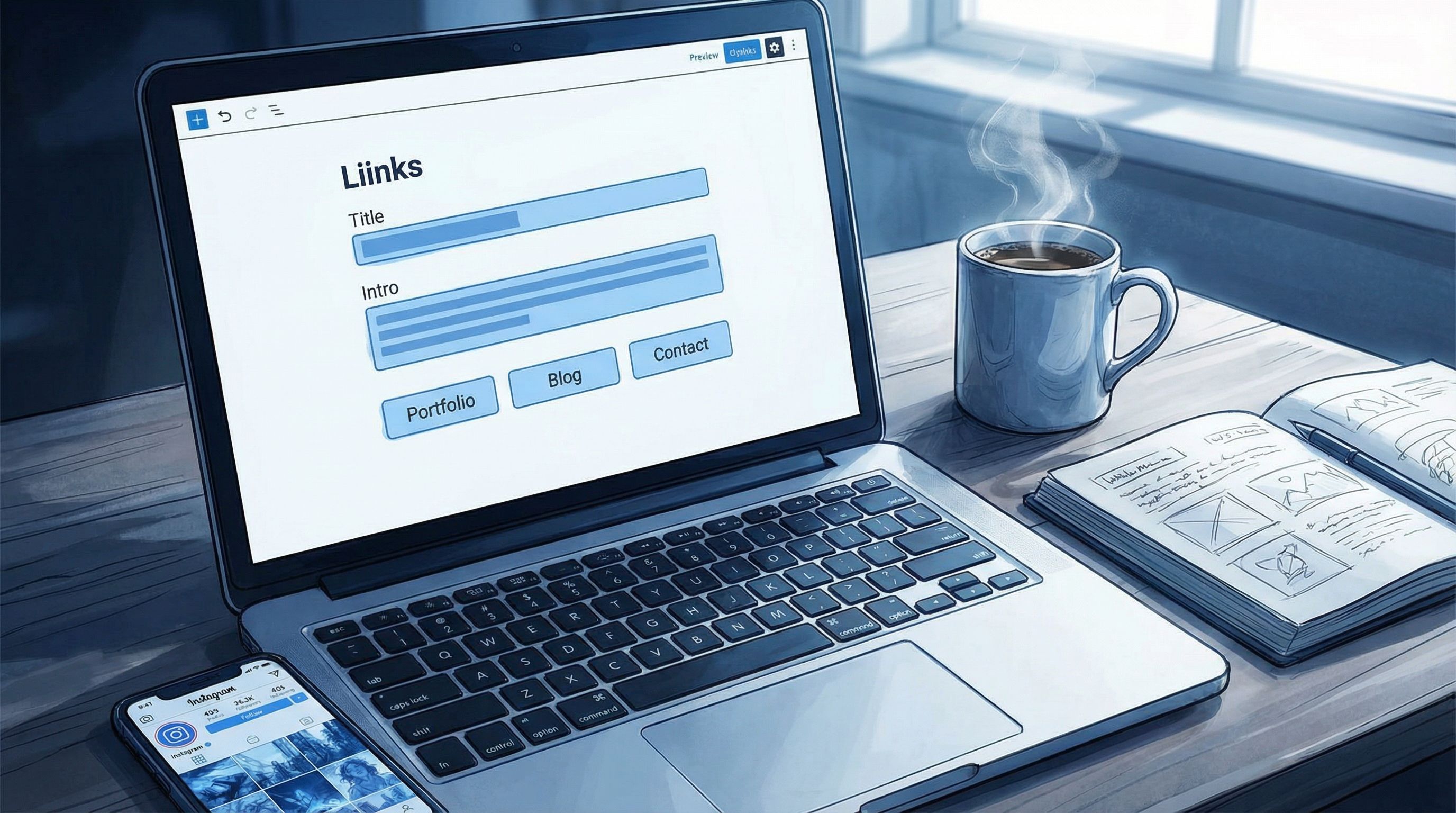
2.2. Upgrade your intro block
Your intro is doing two jobs:
- Convincing humans they’re in the right place
- Giving Google clear language about who you are and what you do
Use a short, skimmable paragraph + a simple bullet list.
Template you can steal:
I’m [name], a [role] helping [audience] with [topic/benefit].
On this page you’ll find:
- [Offer/Outcome #1] – short, benefit-driven description
- [Offer/Outcome #2] – short, benefit-driven description
- [Offer/Outcome #3] – short, benefit-driven description
Example:
I’m Jess, a Notion creator helping freelancers organize their clients, money, and content without 87 different apps.
On this page you’ll find:
- Client & project dashboards – manage deadlines, deliverables, and invoices in one place
- Finance & tax trackers – know what’s coming in, what’s due, and what you owe
- Content planning systems – map out Reels, newsletters, and launches in one calendar
That one paragraph + list gives Google a clear theme: Notion, freelancers, systems, templates.
If you want help turning your whole Liinks layout into a structured, skimmable experience, bookmark SEO for Attention Spans Under 8 Seconds: Structuring Your Liinks Page for Skimmers, Scrollers, and Serial Multi-Taskers.
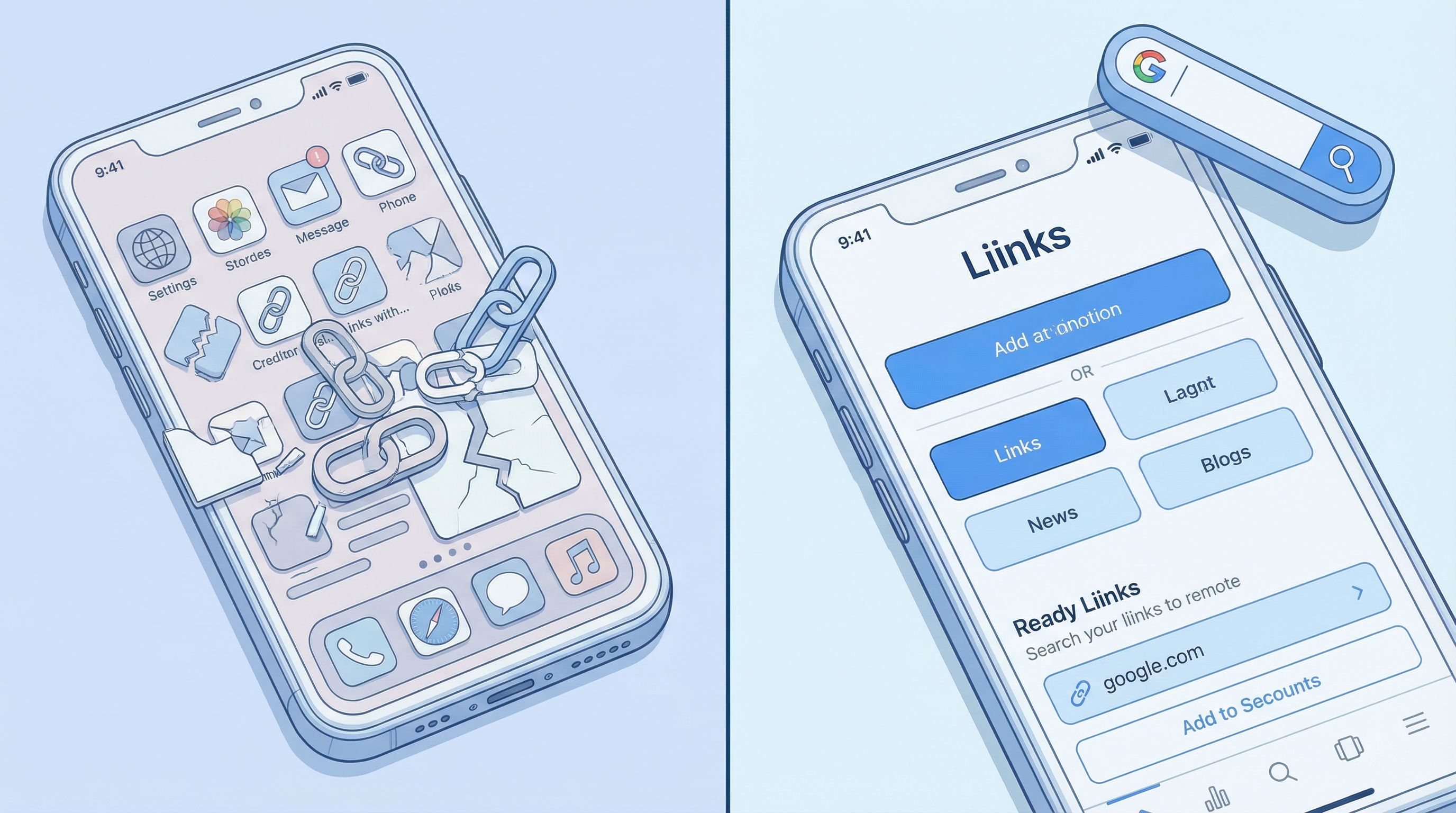
Step 3: Clean Up Your Links Like an Editor, Not a Hoarder (15 minutes)
If your page is a graveyard of old freebies, random tools, and that one launch from 2022… Google isn’t the only one confused. Humans are, too.
And humans who are confused do not:
- Click
- Buy
- Book
3.1. Choose your “SEO hero” links
Pick 3–5 priority actions you want searchers to take. These should map back to that sentence from Step 1.
Examples:
- “Listen to the podcast”
- “Book a discovery call”
- “Shop my templates”
- “Join the newsletter”
- “View my portfolio”
Put those at the top of your Liinks page.
Label them clearly:
- Good:
Book a 30-Minute Strategy Call (for coaches & consultants) - Meh:
Work with me - No:
Click here
If you’re a podcaster, your Liinks page can double as a growth engine. For ideas on how to structure those top links specifically for listeners, check out Podcast Link in Bio, Upgraded: Turning Casual Listeners into Subscribers, Reviewers, and Clients with Liinks.
3.2. Group or archive the rest
Everything else should either be:
- Grouped into categories (Resources, Free Trainings, Brand Collabs, Tools I Use)
- Archived if it’s outdated, irrelevant, or confusing
A simple structure could look like:
- Primary actions (3–5 buttons)
- “Start here” or “New here?” section
- Resource buckets (by topic or offer type)
- Press / features / collabs
This doesn’t just help humans. A clear structure also makes it easier for search engines to understand what your page is about.
For a deeper dive into organizing chaos into something clickable, read Stop Guessing, Start Grouping: How to Use Content Buckets to Organize Your Liinks Page (So People Actually Find Stuff).
Step 4: Add a Few Strategic “Google Signals” (10 minutes)
You don’t need to become an SEO specialist. You do need to sprinkle in a few elements that make your Liinks page look like a real, trustworthy hub.
4.1. Use natural keywords in your button labels
No keyword stuffing. Just slightly more specific language.
Instead of:
ShopTemplatesPodcast
Try:
Shop Notion Templates for FreelancersEmail Templates for Wedding PhotographersCreator Burnout Podcast – New Episodes Weekly
Think: If this button was the only thing Google saw, would it still make sense?
4.2. Link to & from other credible places
Google loves a good network.
On your Liinks page, include links to:
- Your main platforms (Instagram, TikTok, YouTube, podcast)
- Any press features or guest appearances
- Your main offer or shop platform (Gumroad, Shopify, Podia, etc.)
Then, make sure those places link back to your Liinks URL:
- Add your Liinks URL in your social bios
- Include it in podcast show notes
- Add it to YouTube descriptions
That back-and-forth linking helps search engines understand that your Liinks page is central, not random.
4.3. Add proof that you’re a real human or brand
A few simple trust-builders:
- A short line like:
Trusted by 1,200+ newsletter subscribersorFeatured in [Platform/Brand] - A mini testimonial quote (even one sentence)
- A line clarifying your location if it matters (e.g.,
Based in NYC, working with couples worldwide)
Local creators and businesses: this line alone can help with local searches.
I’m a yoga instructor in Austin, TX helping busy professionals build consistent at-home routines.
That gives you a shot at showing up for things like Austin yoga instructor or online yoga classes Austin.
Step 5: Make It Obvious What Happens Next (10 minutes)
SEO gets people to your page. Your layout decides what they do on it.
Search visitors are often:
- Warmer than random scrollers
- Closer to buying, booking, or bingeing
- Less patient with confusion
So your calls-to-action (CTAs) need to be clear, confident, and specific.
5.1. Upgrade your button copy
Swap vague CTAs for action-oriented ones:
Start the Free Email CourseBrowse All Notion TemplatesBook a 20-Minute Intro CallListen to the Latest EpisodeJoin the Weekly Creator Newsletter
Avoid mystery meat like:
Learn moreClick hereThis one
5.2. Add micro-copy under your most important links
A single line of context under your top 2–3 buttons can dramatically increase clicks.
Examples:
-
Book a 30-Minute Strategy Call
Perfect if you’re a coach, consultant, or service provider and want clarity on your next move. -
Join the Creator Systems Newsletter
Weekly emails on content, systems, and staying out of burnout. -
Shop the Notion Template Bundle
Everything I use to run my freelance business—client CRM, content calendar, and finance tracker.
If selling from your Liinks page feels awkward, you’ll like The Non-Awkward Ask: How to Use Liinks CTAs to Sell More Without Feeling Like a Walking Ad.
Step 6: Give Google (and Humans) a Reason to Stick Around (10 minutes)
Google pays attention to how people behave on your page:
- Do they click something?
- Do they bounce immediately?
- Do they come back later?
You can’t control everything, but you can make your Liinks page feel like a useful hub instead of a dead end.
6.1. Add a “Start Here” path
Create a mini journey for new people who find you via search.
Add a small section titled something like:
New here? Start with these:
Watch: My 5-Part Beginner PlaylistRead: How I Went From X to YJoin: Free Training / Email Challenge
This keeps search visitors from aimlessly scrolling and gives them a curated path.
6.2. Pin a “current focus”
Google likes fresh, updated pages. So do humans.
Add a tiny “Currently” strip near the top:
Currently: enrolling students in my 4-week Notion for Freelancers bootcamp (limited spots)
Or:
This week’s focus: new podcast episode on pricing your creative services
Update this once or twice a month. It’s a tiny tweak that signals your page is alive.
If you’re experimenting with new offers and don’t want to rebuild everything each time, pair this with From ‘Link in Bio’ to Launchpad: Using Liinks to Soft-Test New Offers Before You Build the Whole Funnel.
Step 7: Quick Technical Touches (Optional, but Worth It)
Depending on your setup and how you’re promoting your Liinks page, a few last tweaks can help:
- Use a consistent URL. Pick one Liinks URL and use it everywhere instead of juggling multiple versions.
- Branded domain (if available to you). A URL like
yourname.biooryourbrand.linklooks more professional when people see it in search results and DMs. - Check how it looks on mobile. Most people will still find you on their phone—even from Google. Tap through every button.
This doesn’t have to be technical. You’re mostly sanity-checking: If I didn’t know me, would this feel trustworthy?
Quick Recap: Your Under-an-Hour SEO Makeover Checklist
You just:
- Defined what you actually want to show up for in search
- Gave your Liinks page a clear, keyword-friendly title
- Upgraded your intro so humans and Google know what you’re about
- Promoted your top 3–5 “hero” actions and cleaned up the rest
- Added natural keywords to button labels and grouped your links
- Layered in small trust signals (location, proof, testimonials)
- Sharpened your CTAs and added micro-copy
- Created a simple “Start here” path and a tiny “Currently” strip
That’s not just ‘Gram-ready. That’s Google-ready.
Your Next Move (Yes, This Is the Part Where You Actually Do It)
Don’t bookmark this and walk away.
Open your Liinks dashboard, set a 60-minute timer, and run through this in order:
- Rewrite your page title and intro.
- Reorder your top 3–5 links and rename them.
- Group or archive everything else.
- Add one “Start here” section and one “Currently” line.
- Test it on your phone like you’re a stranger who just Googled you.
By the time your timer goes off, you’ll have:
- A link in bio that looks like you on social and in search
- A cleaner path from “I Googled you” to “I hired you / bought from you / binged your stuff”
- A tiny, powerful home base you can keep improving as you grow
Your content is already working hard on Instagram, TikTok, and your podcast. Let your Liinks page catch up.
Go make it Google-ready.