From Bio Link to Binge Session: Structuring Your Liinks Page Like a Netflix Queue (So People Don’t Bounce)


You know that moment when you open Netflix “for one quick episode”… and suddenly it’s three hours later and you have strong feelings about a fictional side character named Carl?
That’s the energy your bio link should have.
Most creators’ link-in-bio pages behave more like a cable TV guide from 2004: random, cluttered, and somehow the thing you actually want is on at 3:15 a.m. on a Tuesday.
But when you structure your Liinks page like a Netflix queue—curated, sequenced, and built for binging—you stop losing people in the first three seconds and start turning casual tappers into deep-diving, clicking, subscribing, buying humans.
Let’s build that.
Why Your Bio Link Needs “Binge Logic” (Not Just “Here’s Everything I Do”)
People don’t tap your bio link because they’re bored. They tap because they’re curious.
The problem: curiosity has a short battery life.
Across the web, the average bounce rate hovers around the mid‑40% range, and single landing pages (like your link in bio) can easily spike to 70–90% if they’re confusing or slow. That means a huge chunk of people take one look, nope out, and never see your best stuff.
Your goal is not just clicks. Your goal is sessions that feel like a mini binge.
A bingeable Liinks page:
- Shows people exactly where to start (no decision fatigue)
- Lines up the “next best thing” automatically (like autoplay, but for your offers)
- Makes every scroll feel rewarding, not overwhelming
- Quietly increases time on page and click-throughs, which is great for everything from sales to SEO (if you haven’t read it yet, this pairs nicely with SEO for Attention Spans Under 8 Seconds).
Think less “link parking lot,” more “carefully curated watchlist.”
Step 1: Decide Your Page’s Genre (So People Know What They’re Getting)
Netflix doesn’t dump every movie it owns onto one screen. It asks: What are you in the mood for? Then it serves categories.
Your Liinks page needs the same clarity.
Before you touch a single button, answer this:
What is the main job of this page for the next 90 days?
Pick one primary “genre” for your page:
- Launch hub – You’re driving people to a new course, product, or event.
- Lead machine – You want email subscribers, waitlist signups, or inquiries.
- Authority builder – You want people to binge your best content, case studies, or episodes.
- Revenue center – You’re focused on sales: products, services, or affiliate picks.
Yes, you can have more than one goal overall. But your layout needs a main character.
Once you choose your genre, everything else becomes easier:
- What goes at the top
- What gets grouped together
- What gets cut (for now)
If you’re juggling multiple offers, you’ll love the way this connects with the ideas in The “One Niche, Many Offers” Blueprint—that post goes deep on how to sell several things without chaos.
Step 2: Build Your “Home Screen” Row (Above-the-Fold = Top Shelf)
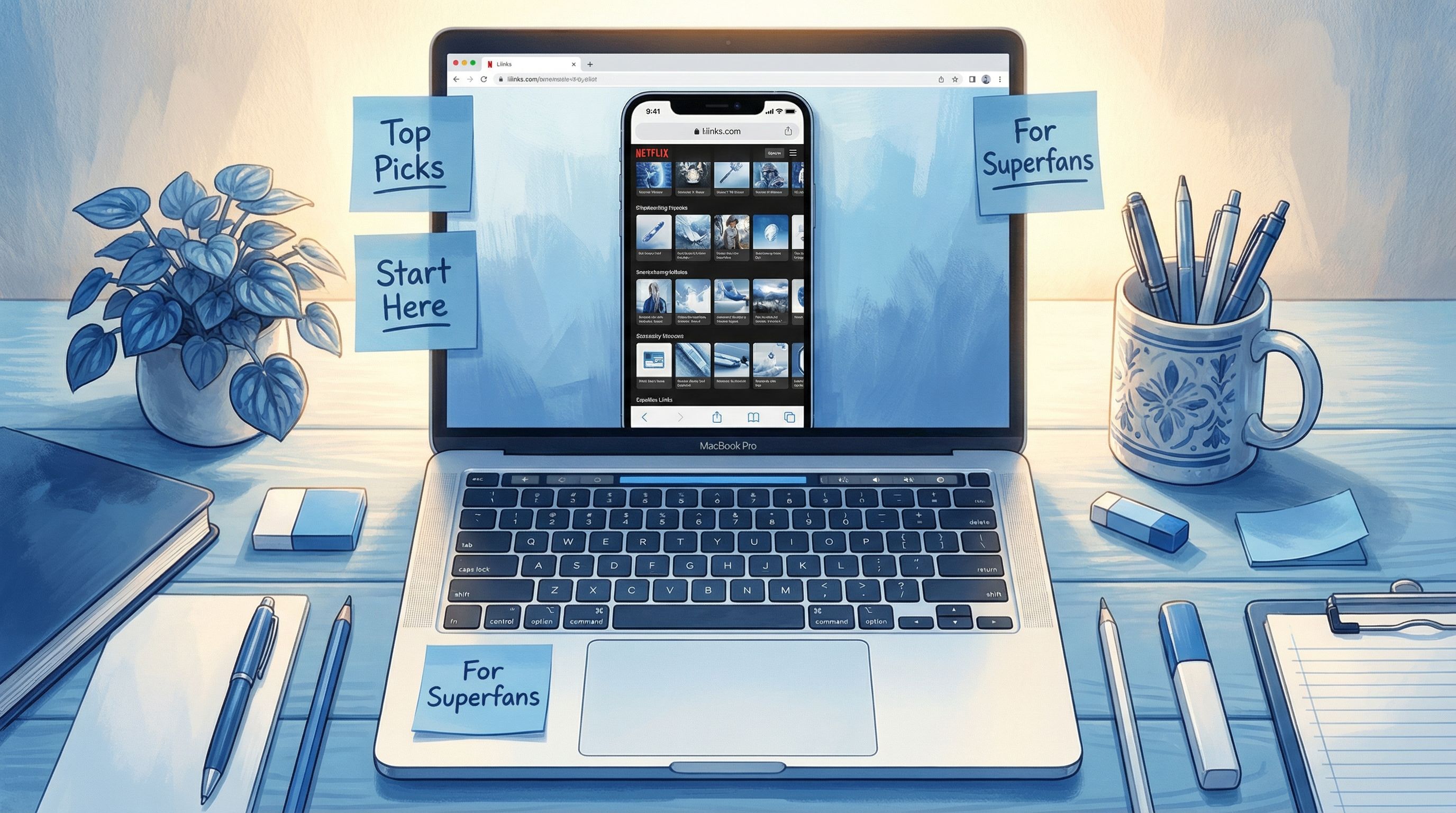
On Netflix, you see a hero banner and a row of “Top Picks” before you even scroll. Your Liinks page needs the same punch in the first screen.
Above the fold (what someone sees without scrolling) should answer three questions in under three seconds:
- Who are you?
- What’s the best next step?
- What’s the promise if they stick around?
Here’s a simple layout you can steal:
-
Mini headline (1–2 lines, not your life story)
- “Helping creators sell more with fewer links.”
- “Productivity for people who hate productivity content.”
- “Cozy horror recs + writing tips for anxious creatives.”
-
Primary CTA button (your “Play” button)
- Examples:
- “Start with my free workshop”
- “Take the 3-minute quiz”
- “Listen to the latest episode”
- Make this button visually louder than everything else.
- Examples:
-
One secondary option (your “Continue Watching”)
- For returning visitors or high-intent people:
- “See all my offers”
- “Client results + case studies”
- “Binge my top tutorials”
- For returning visitors or high-intent people:
On Liinks, that might look like:
- A bold, on-brand background
- A short intro text block
- 1–2 large buttons stacked, not ten tiny ones fighting for attention
If you’re tempted to cram everything at the top, remember: Netflix doesn’t show you 47 categories at once. It shows you the best bet first.
Step 3: Turn the Rest of Your Page into Rows, Not Chaos
Netflix organizes content into rows:
- Trending Now
- Because You Watched X
- Top Picks for You
- Continue Watching
Your Liinks page should do the same with sections.
Think in rows, not random buttons:
-
Row 1: Start Here
- For brand-new people who just discovered you.
- Example links:
- “New? Watch this 5-minute intro”
- “My most popular tutorial”
- “The free resource everyone asks for”
-
Row 2: Main Offer / Money Row
- The thing that pays your bills.
- Example links:
- “Book a 1:1 session”
- “Shop my presets”
- “Join the membership”
-
Row 3: Binge-Worthy Content
- Playlists, series, or grouped resources.
- Example links:
- “Email list mini-course (free)”
- “Start the 7-day challenge”
- “My top 10 podcast episodes” (pair this with Podcast Link in Bio, Upgraded if you’re a podcaster).
-
Row 4: Trust Builders
- Social proof, case studies, “as seen in,” testimonials.
-
Row 5: Deep Cuts for Superfans
- Affiliate picks, behind-the-scenes, niche resources.
Use Liinks’ grouping and layout options to:
- Add section titles (short, fun, clear)
- Use consistent button styles per row (e.g., all “binge content” links use the same icon or color)
- Avoid more than 5–7 links per section—after that, it stops feeling curated.
If you want a deeper dive into grouping, bookmark Stop Guessing, Start Grouping for later—it’s basically the “content buckets” companion to this post.
Step 4: Design for Skimmers, Scrollers, and Serial Multi-Taskers
Remember: a lot of people tap your bio link while:
- Half-watching TV
- Standing in line
- Ignoring a Zoom meeting
You’re not designing for focused, zen monks. You’re designing for goldfish with Wi-Fi.
Here’s how to keep those people from bouncing:
1. Make sections visually distinct
Use Liinks customization to:
- Alternate background shades between sections
- Use section headers that read like mini promises:
- “Start here (3 minutes or less)”
- “Free stuff that actually helps”
- “Work with me (no awkward sales calls)”
2. Use microcopy like Netflix blurbs
Instead of:
- “Newsletter”
Try:
- “Weekly 3-minute email with creator income breakdowns”
Instead of:
- “Coaching”
Try:
- “1:1 strategy call to fix your offer chaos in 60 minutes”
Tiny descriptions under each link act like the little show summaries that make you think, “Okay fine, I’ll click.”
3. Limit decision points per screen
On mobile, aim for 3–5 clear options per scroll, max.
If someone sees 12 identical buttons in a row, their brain taps out. Curate like a ruthless editor, not a hoarder.
Step 5: Build “Autoplay” Paths (So People Always Know What to Do Next)
Netflix’s secret weapon isn’t just good shows. It’s never making you decide from scratch.
You can mimic that feeling on your Liinks page by creating intentional paths:
Example paths you can design:
-
Content → Lead → Offer
- Row: “Start Here – Free Value”
- Top tutorial
- Best podcast episode
- Row: “Get the Thing That Goes With This”
- Content upgrade
- Checklist or template
- Row: “Ready to Go Deeper?”
- Paid product or service that solves the next problem
- Row: “Start Here – Free Value”
-
Podcast Listener Path
- “Listen to the latest episode”
- “See show notes + links for this episode”
- “Apply what you learned with this template”
- “Work with me on this topic”
-
Launch Path
- “Watch the launch trailer / event replay”
- “See what’s included + bonuses”
- “Join now”
- “Not ready? Get the free preview”
To make this work in practice:
- Order your sections so each one logically follows the one above.
- Use CTA labels that hint at the next step:
- “Step 1: Watch this”
- “Step 2: Grab the free kit”
- “Step 3: Join the program”
You’re not just listing links—you’re storyboarding a journey.
Step 6: Treat Returning Visitors Like People Who Are Mid-Season
Netflix doesn’t greet you like a stranger every time. It says, “Hey, want to keep watching…?”
You can’t literally detect returning users with Liinks the way Netflix does with its app, but you can design your layout to make repeat visits feel easier.
Ways to do that:
-
Add a “Continue Here” row near the top
- “Current challenge hub”
- “This week’s resources”
- “Latest drops & updates”
-
Keep long-running series in the same spot
- If you have a weekly newsletter archive, podcast, or recurring segment, don’t move it around constantly.
-
Use consistent naming
- If your email series is called “Creator Cashflow Weekly,” don’t list it as “Newsletter” one week and “Email list” the next.
This is also where loyalty comes in. Once your page is bingeable, you can layer in loyalty-focused elements like:
- Exclusive resources for subscribers
- Early access links for repeat buyers
- A “for my day-ones” section
If that idea is sparking something for you, you might like From Followers to Repeat Buyers, which is all about making your Liinks behave like a tiny loyalty program.
Step 7: Use Data Like a Showrunner, Not a Scientist
You don’t need a degree in analytics to make smart decisions. You just need to think like a showrunner:
“What are people actually watching, and what should we renew, cancel, or move?”
Most analytics tools and social platforms will show you basics like:
- Click-throughs per link
- Traffic sources
- Time on page / engagement
- Overall bounce rate
Here’s how to use that without drowning in it:
- Check once a week, not 12 times a day.
- Identify your top 3 links by clicks.
- Are they easy to find? If not, move them up.
- Identify links with almost no clicks.
- Ask: bad placement, bad label, or just not that useful?
- Test one small change at a time.
- Examples:
- Change a button label from “Newsletter” to “Get my weekly swipe files.”
- Move your main offer row above your freebie row.
- Add a tiny description under your top CTA.
- Examples:
Give each change at least a week or two before you judge it.
Remember: even shaving a few percentage points off your bounce rate or nudging up your click-through can mean a lot more people actually see the thing you worked so hard to create.
Step 8: Make Your Page Feel Like You (Not a Default Template)
Part of why Netflix is so sticky is the experience: thumbnails, colors, previews, microcopy.
Your Liinks page should feel like an extension of your brand, not a random UI from 2013.
Quick wins:
-
Match your social vibe
Use the same colors, fonts, and tone of voice you use on Instagram, TikTok, or your site. If you haven’t yet, read The ‘Link in Bio’ Style Guide for a deeper design walkthrough. -
Use thumbnails or icons where it helps
For visual content (YouTube series, podcast episodes, product mockups), a small image can act like a show poster. -
Write like a human, not a settings menu
Swap:- “Resources” → “Stuff my clients use every week”
- “Free download” → “Free Notion dashboard I swear by”
Pretty + clear beats clever but confusing.
Quick Checklist: Does Your Liinks Page Feel Bingeable?
Run through this in 5 minutes:
- [ ] There’s one main goal for the next 90 days.
- [ ] Above the fold clearly says who I am and what to do first.
- [ ] My links are grouped into clear rows/sections, not one endless list.
- [ ] Each major section has a short, helpful title.
- [ ] My top 1–3 links are visually emphasized.
- [ ] There’s a clear path from free content → deeper engagement → paid offer.
- [ ] I’ve cut or deprioritized links that almost no one clicks.
- [ ] The page looks and sounds like my brand, not a generic template.
If you can check most of these, you’re already way ahead of the average “here’s everything I’ve ever done” link page.
Wrap-Up: Your Bio Link Should Feel Like “Just One More Episode…”
People don’t bounce because they hate you. They bounce because your page makes them think too hard.
When you structure your Liinks page like a Netflix queue, you:
- Give new visitors a clear “Episode 1” to start with
- Line up the next best action automatically
- Make your offers feel like a natural progression, not a hard pivot
- Turn quick taps into meaningful sessions that lead to subscribers, clients, and sales
You’ve already done the hard part: making the content, the offers, the episodes, the products. This is about arranging them so people actually get to the good stuff.
Your Next Step (Yes, This Is the Part Where You Take Action)
Here’s your mini action plan for the next 20–30 minutes:
- Open your existing Liinks page on your phone.
- Ask yourself: If I’d never heard of me before, would I know what to click first?
- Pick one primary goal for the next 90 days.
- Rebuild your top screen:
- Short headline
- One primary CTA
- One secondary option
- Group the rest into 3–5 clear rows with simple titles.
- Delete or bury anything that doesn’t support your current goal.
If you’re not using Liinks yet, this is the perfect excuse to set up a page that actually looks good and behaves like a binge-worthy queue.
Your audience is already tapping “link in bio.” Time to give them something they can’t help but keep clicking.