The ‘Link in Bio’ Decision Tree: What to Feature First When You Have Way Too Many Things to Promote

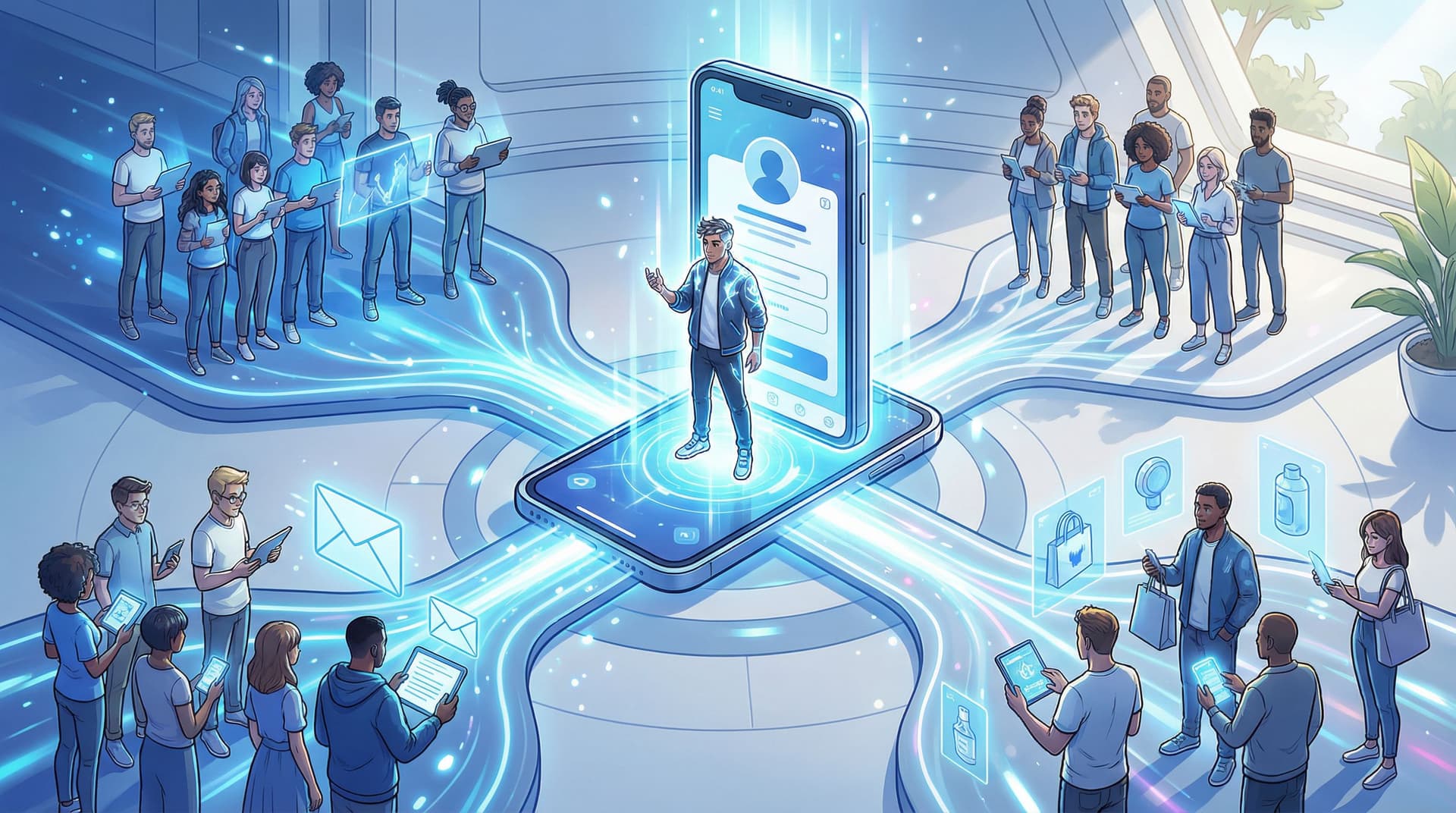
You know that moment when you open your own bio link and think, “Wow, this is… a lot”? Your course, your freebies, your podcast, your merch, your dog’s Instagram, three brand collabs, a newsletter, and a mysterious button that just says “NEW!!” from 2022.
If you’re overwhelmed by your own link in bio, your followers don’t stand a chance.
This is where a decision tree saves your sanity. Instead of guessing what should go first on your page, you use a simple framework to decide—based on your goals, your audience, and what people are actually ready to do next.
And when you’re using a flexible, design-forward tool like Liinks, you can actually implement that decision tree in minutes, not weeks of “rebuilding my whole system” energy.
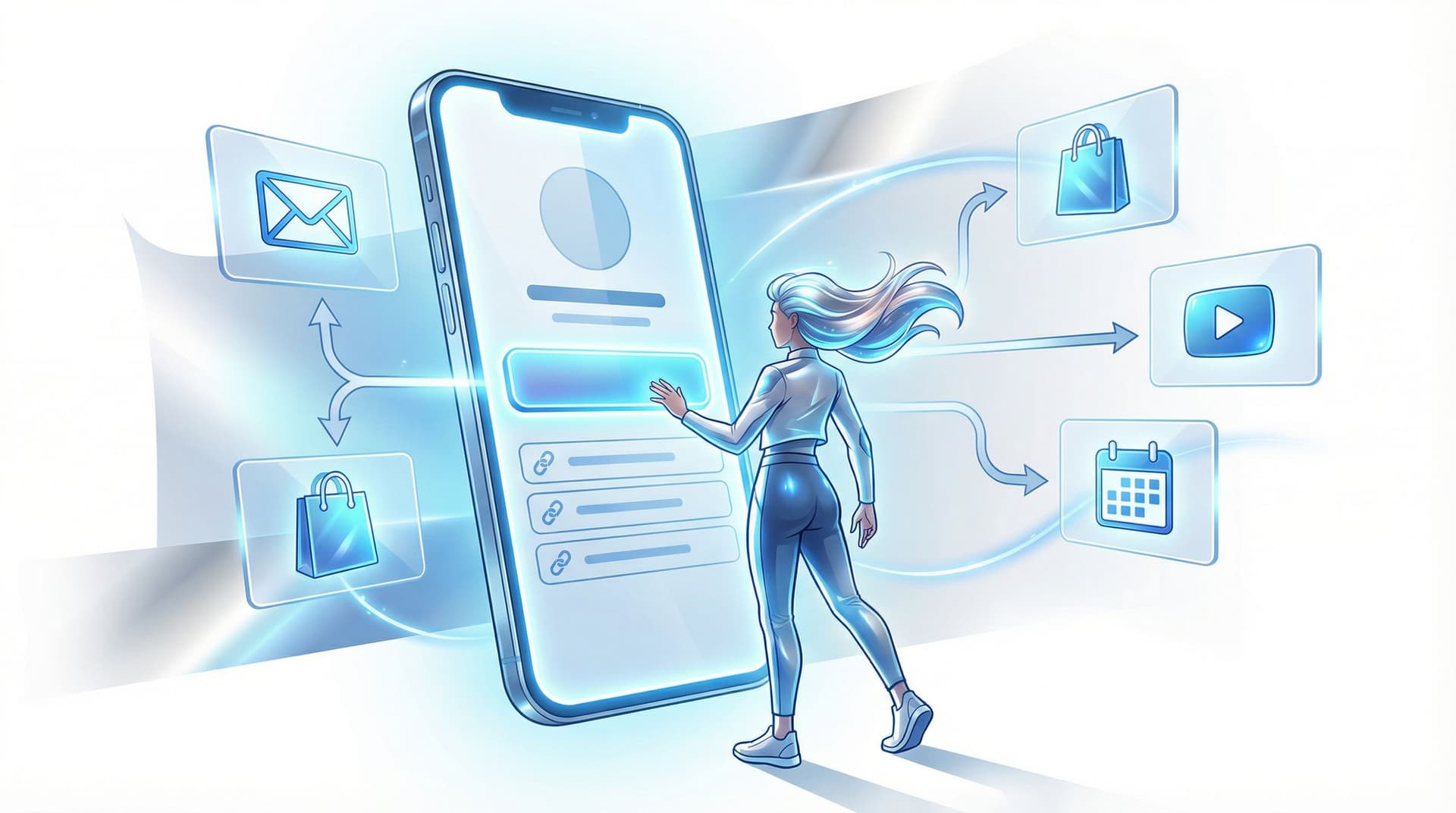
Let’s turn your link in bio from a junk drawer into a tiny, strategic homepage.
Why This Matters More Than “Having Everything Linked”
Most creators treat their bio link like a safety blanket: if everything is there, nothing can be missed.
The problem? People don’t arrive at your page as blank slates. They show up with:
- A specific context (they just watched something from you)
- A specific level of trust (new, warm, or “I would name my child after you”)
- A specific amount of energy (usually: low)
Your job is not to show them every possible thing.
Your job is to:
- Guess what they’re most likely ready for next
- Make that option painfully obvious
- Let everything else be findable, but not competing for attention
This is exactly what we dig into in posts like From Bio Link to Binge Session: Structuring Your Liinks Page Like a Netflix Queue (So People Don’t Bounce). Think: less chaos, more “oh wow, everything I wanted is right here.”
The Core Question: What’s the Next Step You Actually Want?
Before we build a decision tree, we need a north star.
If someone taps your bio link right now, what is the single best outcome for your business?
Common answers:
- “Join my email list”
- “Buy my signature product/service”
- “Binge my content so they actually remember me”
- “Book a call”
- “Support this specific launch or campaign”
You can want multiple things long-term. But for your primary link in bio, you need one main priority.
The 15-Second Test
If you only had 15 seconds of their attention:
- What would you ask them to do?
- What would you not be mad about if they ignored everything else and just did that one thing?
That answer is your Tier 1 priority. It will sit at the very top of your Liinks page, visually louder than everything else.
The ‘Link in Bio’ Decision Tree (High-Level)
Here’s the zoomed-out version of the decision tree. We’ll break each branch down next.
-
Are you in an active launch or promo window (7–30 days)?
- Yes → Feature the launch offer first.
- No → Go to #2.
-
Do you have a clear, primary revenue driver? (signature service, main product, membership)
- Yes → Feature that offer first.
- No → Go to #3.
-
Is your biggest current goal audience growth (email list, podcast, community)?
- Yes → Feature the lowest-friction, highest-value opt-in first.
- No → Go to #4.
-
Are you still in the “warming people up” stage (new creator, rebrand, or multi-passion chaos)?
- Yes → Feature a binge path or “Start Here” hub first.
- No → Revisit your goals—if you’re not launching, selling, or growing, what are you doing?
Once you know which branch you’re on, you can design the rest of the page to support that choice instead of competing with it.
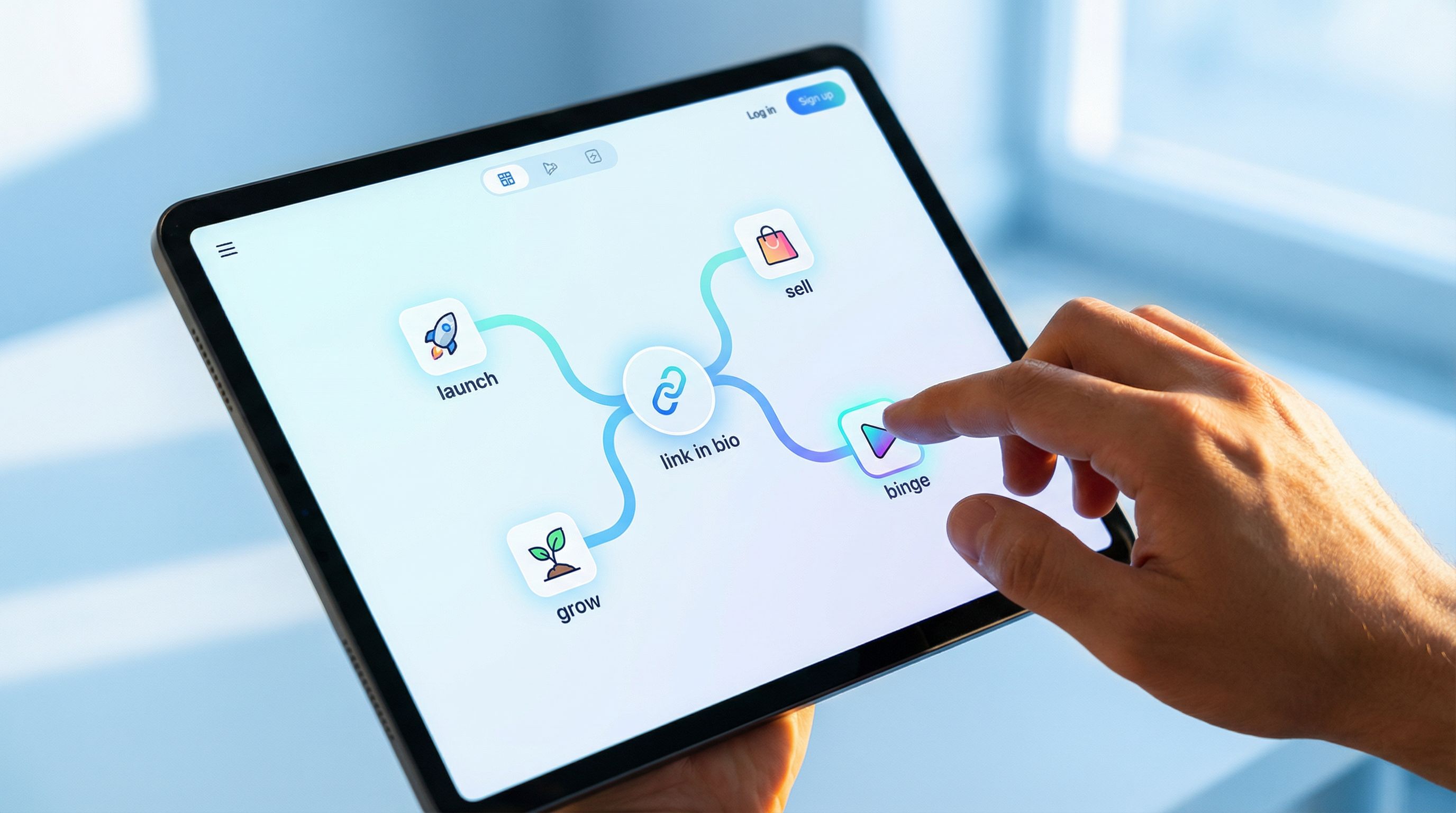
Branch 1: Launch Mode – When You’re Actively Promoting Something
If you’re in a launch window (cart open, new drop, live workshop, limited collab), your link in bio is no longer a neutral hub.
It’s a campaign asset.
What Goes First
- A single, clear button or card for the launch offer
- Copy that answers: What is it? Who is it for? What happens if I tap?
- A subtle time cue if relevant: “Enrollment closes Friday,” “Limited spots,” “New drop this week”
On Liinks, that might look like:
- A large, on-brand feature card at the top
- A short line of microcopy under the title (e.g., “4-week live cohort for beginner designers”)
- A contrasting button color just for this link
What Supports It (Without Competing)
Right under your launch link, stack:
- Social proof: case studies, testimonials, or a “Results” highlight link
- Context content: playlist of Reels, YouTube videos, or podcast episodes that sell the offer for you
- FAQ or details page if your main checkout page is dense
Everything else? It can still live on the page—but lower and visually quieter.
Think of this as a live case study in action, similar to what we talk about in The Brand Deal Pre-Game: Turn Your Liinks Page into a Live Case Study That Makes Sponsors Say ‘Yes’ Faster.
Common Mistakes in Launch Mode
- Two “main” things at the top (e.g., “Buy my course” and “Join my newsletter”)
→ Pick one. The other can be second. - No context: a button that just says “New program!!”
→ Add 1–2 lines of copy that explain who it’s for and what it does. - Forgetting to switch it back after launch
→ Use a reminder in your calendar: “Change Liinks top link – post-launch.”
Branch 2: Revenue Mode – When You Have a Clear Main Offer
If you’re not launching, your link in bio should usually point to your primary way of making money.
This might be:
- A signature course or membership
- Your main 1:1 or done-for-you service
- Your flagship product or shop
What Goes First
-
A clear, benefit-driven link:
“Work with me: TikTok strategy for coaches”
“Shop my Lightroom presets”
“Join the membership: weekly meal plans + live Q&As” -
Optional but powerful: a tiny qualifier like “For…”
- “For beginner creators”
- “For busy moms”
- “For small studios and agencies”
What Supports It
Directly underneath, add:
- A “Start Here” explainer – a mini page or Notion-style overview that breaks down your offers
- A “Results & Reviews” link – screenshots, testimonials, case studies
- A “Not ready yet?” path – usually a newsletter or free resource
If you’re juggling multiple offers in one niche, this ties in nicely with the framework from The “One Niche, Many Offers” Blueprint: Using Liinks to Sell Digital Products, Services, and Memberships from a Single Page.
How to Keep Other Offers From Stealing the Spotlight
- Group secondary offers under a single link like “More ways to work together”
- Use smaller buttons or a different style (icons, text-only) below the fold
- Avoid repeating the same CTA three times in slightly different wording
Your link in bio is not a menu where everything is equal. It’s a recommendation engine.
Branch 3: Growth Mode – When Audience Building Is the Main Goal
Maybe you’re early in your business, between offers, or intentionally focused on growing your audience.
In that case, your top link should be the lowest-friction, highest-value way for someone to stay in your world.
Often, that’s:
- An email newsletter
- A free challenge
- A lead magnet that directly solves a problem your content keeps talking about
What Goes First
-
A single link with a clear promise:
“Get my weekly creator income breakdowns (no fluff)”
“Free Notion template: plan 30 days of content in an hour” -
A note on what they actually get: “2 emails a week,” “No spam,” “Templates + behind-the-scenes.”
What Supports It
Below that, stack links that:
- Warm them up – best-of content playlists, “Start here” guides
- Prove your expertise – case studies, portfolio, testimonials
- Give them a next step after they opt in – like a low-ticket product or a waitlist
If you’re trying to quietly move people from casual scroller to core community member, pair this structure with the ideas in From Casual Fan to Community Member: How to Use Your Link in Bio to Quietly Onboard Superfans.
Quick sanity check
Ask yourself:
- If someone only joins my newsletter and ignores everything else, is that a win?
- If yes → Growth mode is correct.
- If no → You might actually be in Revenue or Launch mode.
Branch 4: Binge Mode – When People Need to “Get You” First
Some of you are in what we’ll lovingly call “I do a lot” territory.
You:
- Talk about multiple topics
- Have offers that don’t obviously connect
- Are mid-rebrand or shifting directions
In that case, the best thing someone can do is not immediately buy—it’s to binge the right mix of content so they actually understand who you are and how you help.
What Goes First
A curated “Start Here” or “Binge This First” link.
Examples:
- “New here? Start with these 5 videos.”
- “Binge my top 7 podcast episodes for creators.”
- “The 3-part series that explains my whole framework.”
This can be:
- A dedicated Liinks page
- A playlist on YouTube or Spotify
- A blog or article hub
The key: it’s curated, not “here’s my entire archive, good luck.”
What Supports It
Under that binge path, add:
- Links to your main offer or services for when they’re ready
- A newsletter or community for people who want to go deeper
- A “Work with me” explainer that connects the dots between your many topics
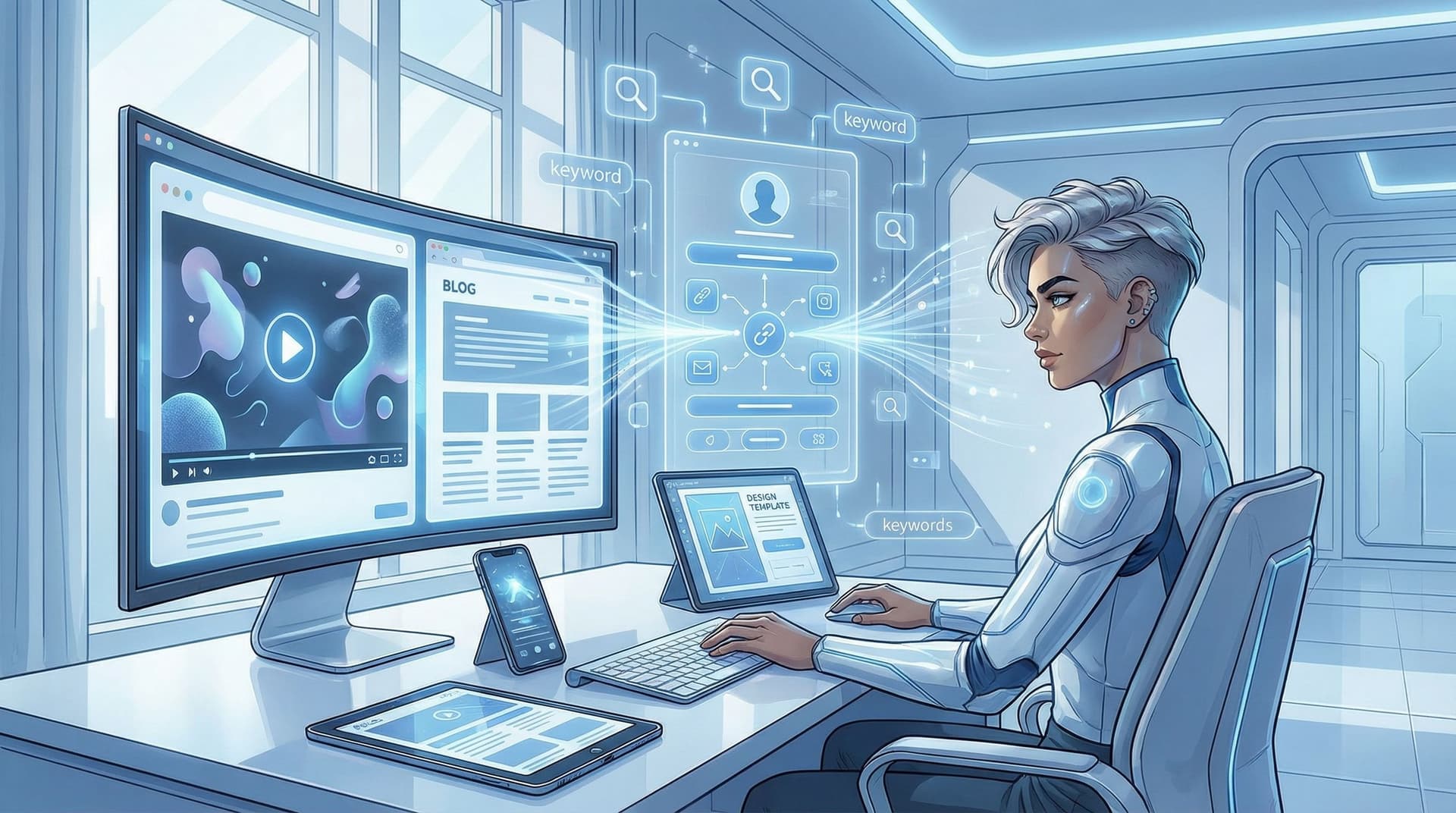
If you’re multi-passionate and worried about confusing Google and humans, you’ll love the approach in SEO for Multi-Passionate Creators: How to Rank When You Talk About… Everything (Using Just Your Liinks Page).

How to Physically Arrange Your Page Around the Decision Tree
Once you’ve picked your branch, here’s how to lay out your Liinks page so the hierarchy is crystal clear.
1. One Clear “Hero” Action
At the very top:
- Use a larger card or featured block
- Add a short subheading or description
- Use a distinct color or style from the rest of your links
Example hero block:
- Title: “Join the Creator Systems Lab”
- Subtext: “My monthly membership for creators who want to work less and earn more (without posting 5x a day).”
- Button: “See what’s inside →”
2. A Supporting Row of 2–3 “Next Best” Options
Right under your hero, add up to three secondary links:
- For Launch mode: social proof, FAQ, context content
- For Revenue mode: “Who it’s for,” “Client results,” “Free training”
- For Growth mode: “Start here content,” “About me,” “Why this newsletter exists”
- For Binge mode: “Work with me,” “Newsletter,” “Most popular episode/post”
These should be visually smaller than the hero, but still above the fold.
3. A Clearly Labeled “Everything Else” Section
Below that, you can absolutely still keep:
- Affiliate links
- Old freebies
- Niche resources
- Brand collabs
Just group or label them:
- “Tools & resources I use”
- “Brand collabs & discount codes”
- “Free resources & guides”
This is especially important if you’re using your page as a tiny affiliate hub—see Affiliate Links, But Make Them Trustworthy: How to Design a Liinks Page That Sells Without Feeling Like an Ad Wall for more on that.
4. Use Design to Whisper the Hierarchy
On Liinks, you can use:
- Size – bigger for primary, smaller for secondary
- Color – one standout color for your main CTA, neutrals for the rest
- Spacing – more white space around your hero block
- Icons – used sparingly so they highlight, not clutter
If everything is bold, nothing is bold. Let your design make the decision tree obvious at a glance.
How Often Should You Reorder Your Links?
Your decision tree isn’t a one-time thing. It’s a living system.
Use these triggers to revisit your hierarchy:
- New launch or promo → Switch to Launch branch for the promo window
- New main offer → Update your Revenue branch hero
- Big shift in goals (e.g., “I’m focusing on list growth for Q3”) → Switch to Growth branch
- Rebrand or niche shift → Spend a month or two in Binge branch
A good rule of thumb: if your main business goal changes, your top link should change.
Set a recurring reminder: once a month, open your bio link on your phone and ask, “Does this match my actual priority right now?” If not, adjust.
Quick Start: 10-Minute Decision Tree Makeover
If you want to implement this today without spiraling into perfectionism, here’s your mini-sprint:
- Pick your branch
- Launch, Revenue, Growth, or Binge.
- Write one hero CTA
- One link, one clear outcome.
- Choose 2–3 supporting links
- Social proof, context, or “not ready yet?” options.
- Group everything else into 1–3 labeled sections lower on the page.
- Use design to emphasize the hierarchy
- Bigger hero, standout color, more spacing.
- Test it on mobile
- Open your Liinks page on your phone and pretend you’re a stranger who just found you through a Reel. Would you know what to do first?
That’s it. No 40-step funnel map required.
Summary: Your Link in Bio Is a Decision, Not a Directory
When you have way too many things to promote, the answer is not “link everything equally and hope.”
It’s:
- Decide your primary goal (launch, revenue, growth, or binge)
- Let that goal choose your top link
- Support that link with 2–3 next-best options
- Let everything else live lower on the page, grouped and de-emphasized
- Revisit the hierarchy whenever your main goal changes
Your link in bio is the tiny doorway between “that was a cool post” and “I’m in your world now.” Treat it like a strategic decision, not a random list.
Your Next Step (Yes, This Is the Part Where I Tell You What to Do First)
You just walked through the whole decision tree. Don’t let it live in your notes.
- Open your current bio link on your phone.
- Ask yourself: Which branch am I actually in right now—launch, revenue, growth, or binge?
- Log into Liinks (or create a free account if you haven’t yet) and:
- Move one link to the very top that matches your branch
- Add 1–2 lines of copy so it’s painfully clear what happens when someone taps
- Push everything non-essential at least one scroll down
Give yourself 10 minutes. Your future self—and your future superfans—will thank you.
And if you want to go deeper on what happens after they click? Pair this decision tree with Your First 1,000 True Fans: A Link-in-Bio Game Plan for Turning Random Followers into Ride-or-Dies and start turning that tidy new hierarchy into actual relationships, revenue, and repeat visitors.