The Multi-Platform Problem: Smart Liinks Layouts for Creators Juggling TikTok, YouTube, and Newsletters

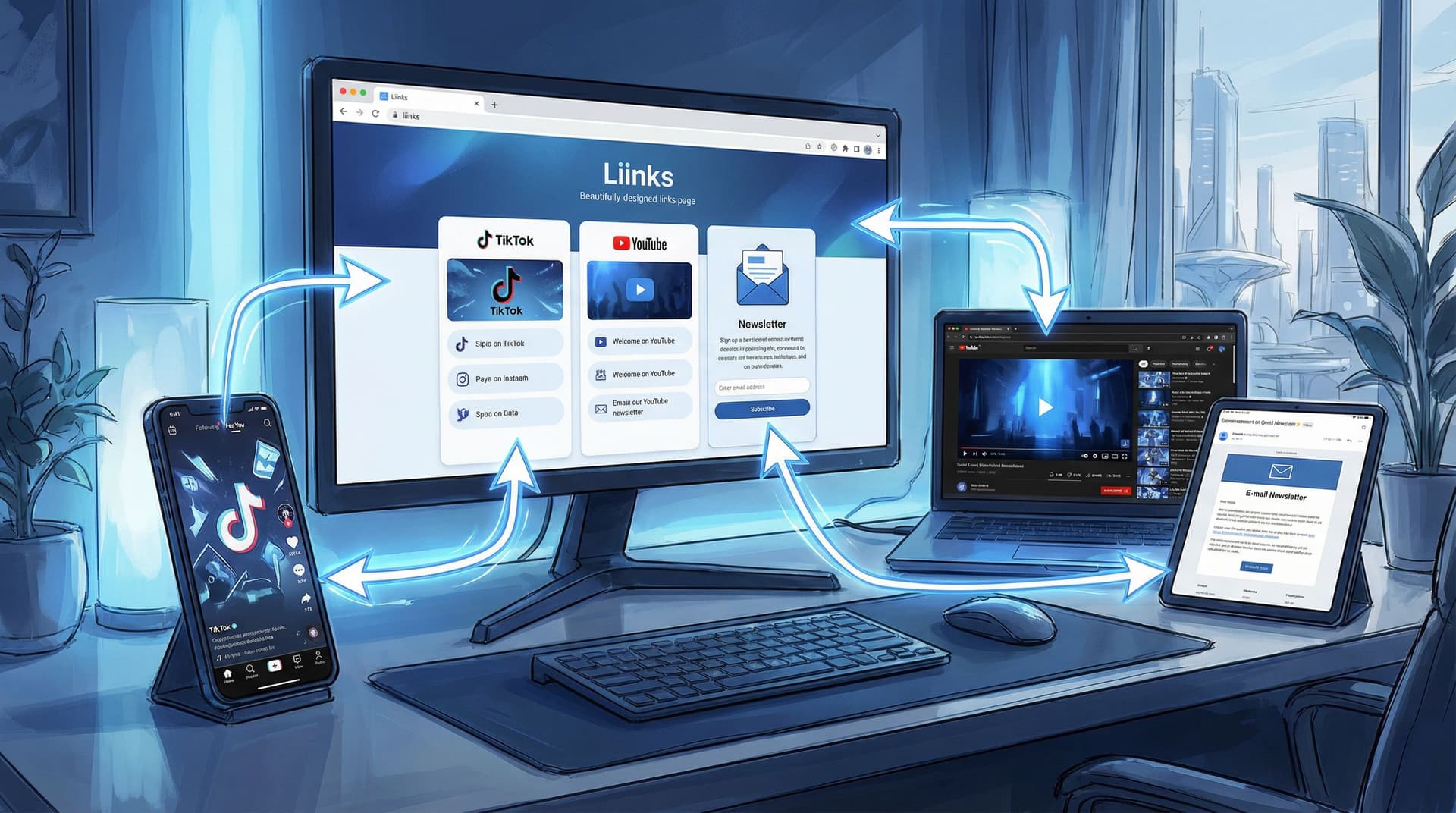
If you’re posting on TikTok, YouTube, and running a newsletter, congratulations: you’re doing the work of an entire media company from your couch.
The problem? Your audience doesn’t experience those channels separately.
They:
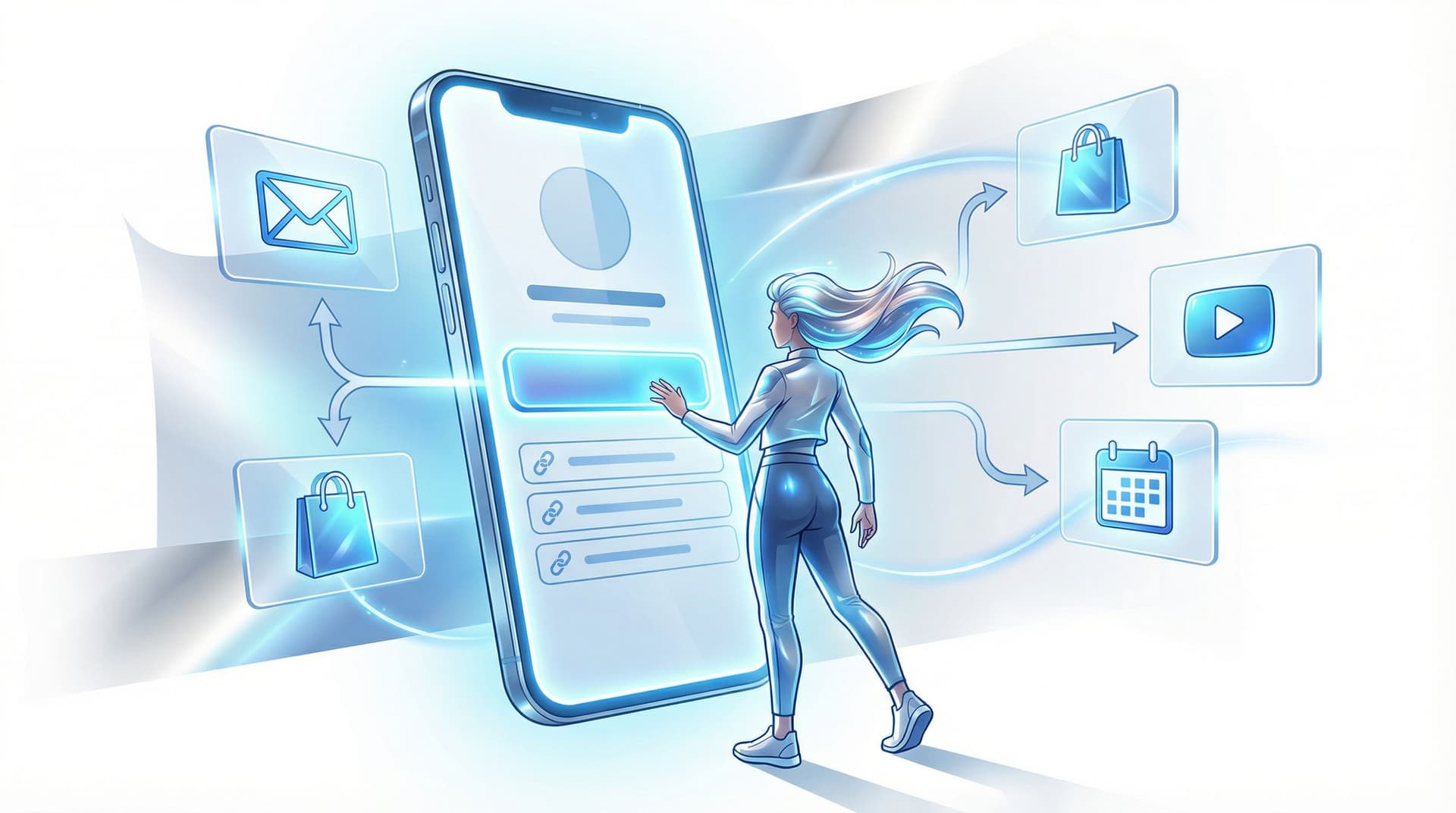
- See a TikTok → tap your bio
- Watch a YouTube video → click your description link
- Read your newsletter → click a “watch this” or “follow me” button
…and they all end up in the same place: your link-in-bio hub.
If that hub is chaotic, out of date, or trying to serve everyone equally, you’re leaking subscribers, views, and sales every day.
That’s where a smart layout on Liinks quietly becomes your unfair advantage.
Why Multi-Platform Creators Need a Smarter Hub (Not Just More Links)
TikTok, YouTube, and newsletters each do something very specific for you:
- TikTok: reach and discovery, especially with younger and mobile-first audiences. It’s where people find you.
- YouTube: depth and watch time. It’s where people binge you.
- Newsletters: relationship and retention. It’s where people remember you.
If your Liinks page treats all of that like one big pile of “stuff I do,” you end up with:
- People who came from TikTok getting overwhelmed and bouncing
- YouTube viewers never realizing you have a newsletter
- Newsletter readers clicking through once, getting lost, and never returning
The goal isn’t “list all your links.” It’s:
Match the layout of your Liinks page to where someone just came from and what they’re ready to do next.
When you get that right, you stop sending everyone into the same maze and start giving each group a clear, obvious next step.
If you want a deeper dive on treating your bio link like a real landing page (instead of a button graveyard), bookmark this for later: Your Link in Bio Is a Landing Page Now: 7 Copy Tricks That Quietly Double Click-Throughs.
Step 1: Decide Who Gets “Home Field Advantage” on Your Liinks Page
Let’s be honest: you probably have a “favorite child” platform.
Maybe:
- TikTok is where you grow fastest
- YouTube is where you make ad revenue
- Your newsletter is where you actually sell things
Your Liinks layout should reflect that.
Ask yourself two questions:
-
Where do most people discover me first?
That’s usually TikTok or YouTube. -
Where do I ultimately want them to end up?
That’s usually your newsletter, offers, or community.
Now you can choose a “home field” for your layout:
- TikTok-first layout if most people meet you on vertical video and you want them to binge or subscribe.
- YouTube-first layout if your channel is the main event and other platforms exist to support it.
- Newsletter-first layout if email is your main revenue driver and the other platforms are basically traffic sources.
You’re not locking yourself in forever—you’re just picking a default so your page has a clear hierarchy instead of a personality crisis.
For help deciding what deserves top billing when you have way too many things to promote, you’ll love The ‘Link in Bio’ Decision Tree: What to Feature First When You Have Way Too Many Things to Promote.
Step 2: Build Three “Mini Journeys” Inside One Liinks Layout
Here’s the trick: you don’t need three separate bio pages.
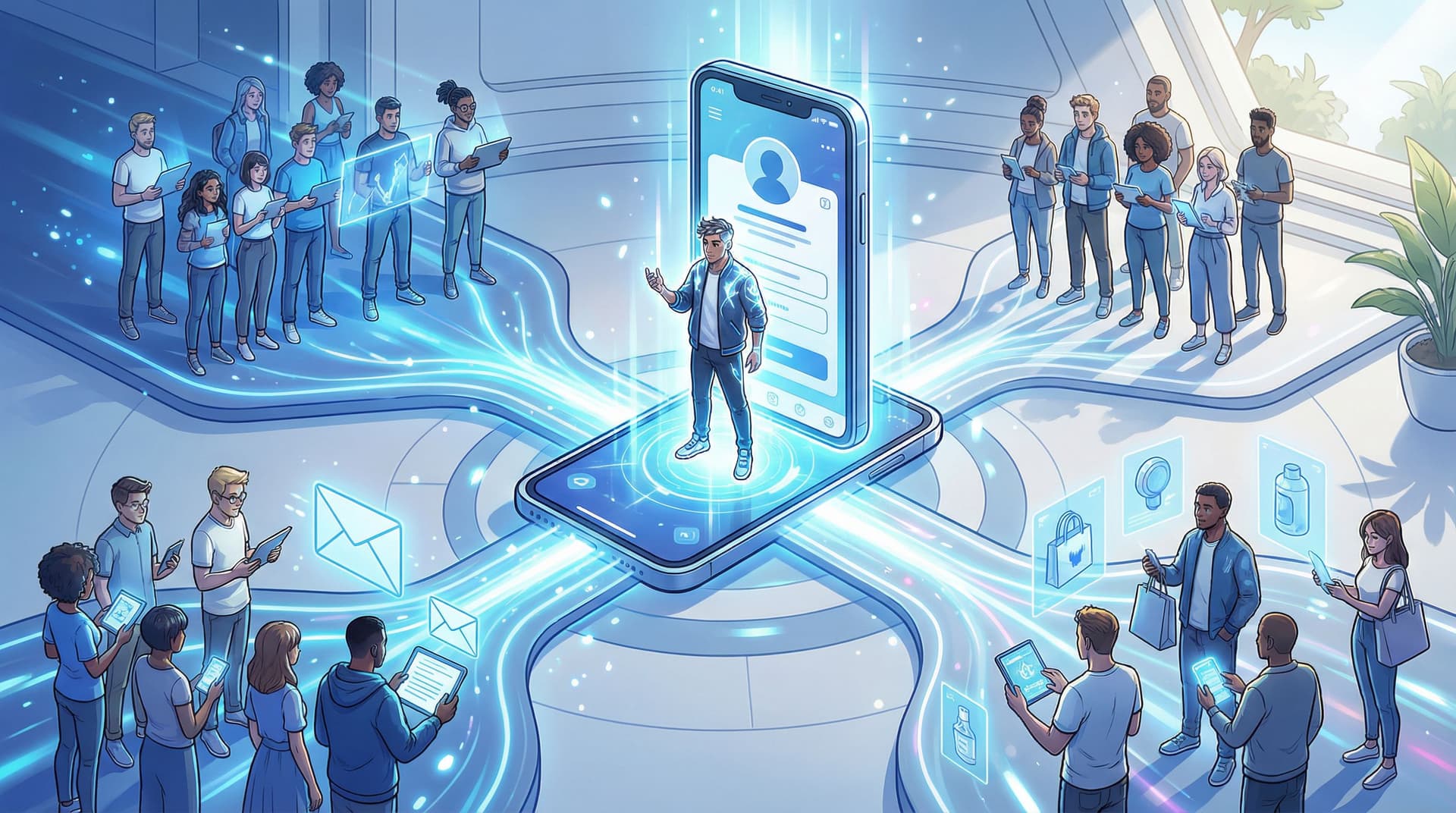
You need one Liinks layout with three clearly marked mini journeys:
- For TikTok people → “I just discovered you. What should I watch or grab first?”
- For YouTube people → “I like you. How do I go deeper or support you?”
- For newsletter people → “I already read you. What else do you have for me?”
On Liinks, that looks like a simple, stacked structure:
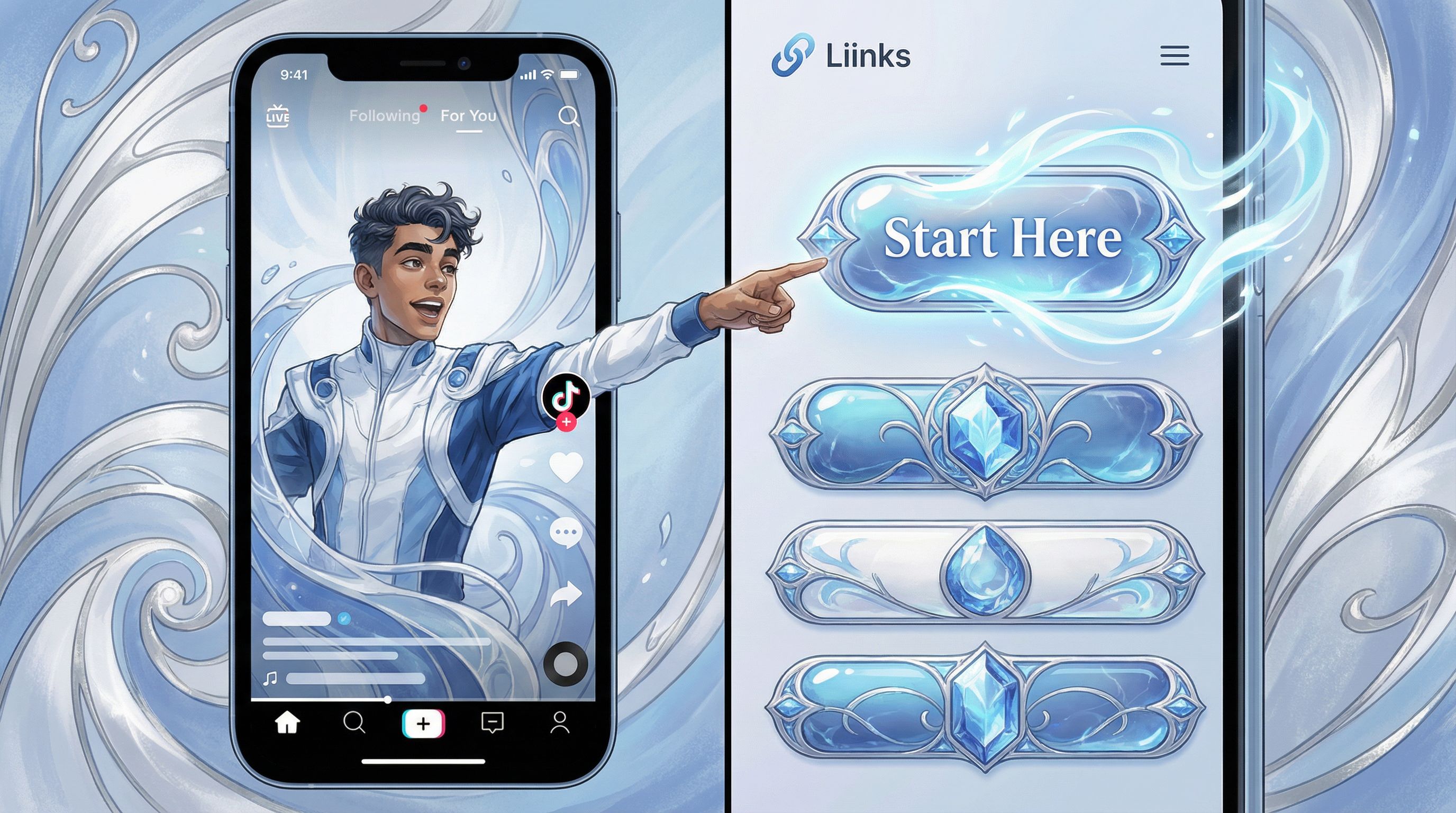
- Top section: “Start here” for your biggest traffic source
- Middle section: Depth / binge
- Bottom section: Offers, shop, or advanced actions
Let’s break it down by platform.
Layout #1: When TikTok Is Your Main Traffic Firehose
If most people hit your Liinks page from TikTok, they’re probably on their phone, half-distracted, and moving quickly.
Your job: give them one obvious action—not twelve.
Above the fold: One Big Button + One Soft Option
Top of your Liinks page, keep it painfully simple:
-
Primary button:
- “Watch my most popular YouTube video”
- “Start my 3-part beginner series”
- “Get the free guide from my latest TikTok”
-
Secondary, softer option:
- “Join 3,200+ people on my weekly email list”
- “See all my tutorials in one place”
Think of this like a tiny hero section: one main promise, one backup.
Right below: Curated TikTok collections
Instead of dumping every link you’ve ever mentioned, group them:
- “🔥 Viral TikToks + resources”
- “Beginner-friendly tutorials”
- “Advanced / nerdy deep dives”
Each of those can open to a mini list of links (YouTube videos, landing pages, or newsletter opt-ins) that line up with specific TikTok series you’re running.
This is where a Netflix-style structure helps—if you haven’t read it yet, check out From Bio Link to Binge Session: Structuring Your Liinks Page Like a Netflix Queue (So People Don’t Bounce).
Newsletter placement in a TikTok-first layout
You still want email, but not as the first thing people see.
Try:
- A mid-page block: “Like this stuff? Get 1 weekly cheat sheet (no spam, promise).”
- A specific hook: “Get the Notion templates from my TikTok series” instead of “Sign up for my newsletter.”
Rule of thumb: TikTok visitors should never wonder, “What do I click?” They should only wonder, “Do I want to binge, or do I want the resource?”
Layout #2: When YouTube Is Your Main Stage
YouTube viewers have already spent 5–20 minutes with you. They’re warmer, more patient, and more likely to take a bigger step.
Your Liinks layout can ask for more.
Above the fold: Channel-aligned next step
Your top section should echo what you say in your video outros.
Examples:
- “📩 Get the checklist from this video (and future ones)”
- “🎓 Join the free mini-course I mentioned in the video”
- “🧠 Weekly deep dives on everything I teach on YouTube”
That primary button should usually go to your newsletter, because that’s where you can:
- Announce new videos
- Sell products or services
- Build long-term trust
Middle: Organized playlists and series
YouTube viewers love structure. Use that energy.
Create sections like:
- “Start Here: Beginner Playlist”
- “Intermediate: Level-Up Series”
- “Creator Toolkit: Gear, templates, and resources”
Each section can:
- Link directly to playlists
- Point to detailed resource pages
- Include affiliate links with clear labels (“What I use to film my videos”)
Where TikTok fits into a YouTube-first layout
TikTok is now your top-of-funnel discovery engine, not the main event.
Give it a smaller, clearly labeled section:
- “Short tips & behind-the-scenes on TikTok”
- “Daily quick wins: follow me on TikTok”
This keeps the focus on depth (YouTube + newsletter) while still letting short-form fans find you.
Rule of thumb: If someone came from YouTube, your Liinks page should feel like “bonus features,” not a completely different universe.
Layout #3: When Your Newsletter Is the Business
If your newsletter is how you make money—through paid subscriptions, sponsors, or product launches—then your Liinks page should revolve around it.
Above the fold: Newsletter as the star
Lead with one strong block:
- Headline: “Get 1 deep-dive every Sunday on [your topic].”
- Subhead: “No threads, no fluff—just one email that makes you better at X.”
- Primary button: “Join 4,200+ subscribers” (social proof if you have it)
You can still link to Substack, Beehiiv, ConvertKit, etc.—just make sure the copy on your Liinks button sells the benefit, not the platform.
Middle: “Choose your own adventure” content paths
Once someone’s seen the main newsletter CTA, give them:
- “New here? Start with these 3 most-loved posts” (link to your best archives)
- “Prefer watching? Here’s my YouTube channel”
- “Want quick hits? Follow on TikTok for daily tips”
This way, people who aren’t ready to hand over their email can still plug into your universe.
Bottom: Paid offers, sponsors, or premium tiers
Here’s where you tuck the money-making pieces:
- “Work with me” / services
- Paid newsletter tier
- Digital products or courses
Rule of thumb: A newsletter-first Liinks layout should feel like a mini media kit plus an opt-in page, not just a directory of your socials.
Step 3: Use Visual Cues So People Instantly Know Where to Tap
Your followers are scanning, not reading.
Use design to do half the work:
-
Color-coding by platform
- TikTok-related links: dark background, bold accent
- YouTube-related links: red accents or play icons
- Newsletter-related links: softer color, envelope icon
-
Section headers that speak to intent
Replace vague labels like “Links” or “Stuff” with:- “Watch next”
- “Get the resources”
- “Join the inner circle”
-
Icons that match the action
A tiny play button, email icon, or book icon can do more than three lines of copy.
Because Liinks is fully customizable, you can actually lean into this: match your TikTok colors, your YouTube thumbnails, and your newsletter branding so everything feels like one coherent brand, not three separate hobbies. If you want help with that, circle back later to The ‘Link in Bio’ Style Guide: How to Make Your Liinks Page Look Like Your Instagram, TikTok, and Website Had a Baby.
Step 4: Make Your Layout Context-Aware (Without Rebuilding It Weekly)
You do not need a new Liinks page for every launch, video, or newsletter.
You just need a few smart, low-effort habits:
1. Rotate one “spotlight” link per platform
-
For TikTok:
Use one button labeled “From today’s TikTok” and update the URL behind it, not the label. -
For YouTube:
Have a “Latest video resources” button that always points to the current thing you’re promoting. -
For your newsletter:
Use a “This week’s feature” link that sends people to your most recent or highest-impact issue.
This keeps your page fresh without touching the overall structure.
2. Use UTM tags like a grown-up media company
If you’re not already tagging your links, this is your sign.
?utm_source=tiktok&utm_medium=bio&utm_campaign=may-series?utm_source=youtube&utm_medium=description&utm_campaign=launch
Then, in your email service, YouTube analytics, or Google Analytics, you can actually see:
- Which platform sends the most newsletter signups
- Which CTA copy works best
- Whether “Watch next” beats “Start here”
That data tells you whether your Liinks layout is doing its job—or just looking pretty.
3. Run tiny experiments instead of giant redesigns
Instead of rebuilding your page every quarter, test:
- Swapping the order of two sections for a week
- Changing one CTA from “Sign up” to “Get the free guide”
- Moving your newsletter block higher for YouTube-heavy weeks
Because Liinks is quick to edit, you can treat your page like a living experiment, not a stone tablet.
Step 5: Map Every Platform to One Clear “Endgame”
Here’s the part most creators skip: deciding what “success” actually looks like for each platform.
Try this simple mapping:
-
TikTok → YouTube or newsletter
- Short-term: get them to binge a playlist
- Long-term: move them onto your email list
-
YouTube → Newsletter or offers
- Short-term: get them onto your list with a related resource
- Long-term: introduce services, products, or a paid community
-
Newsletter → Revenue + loyalty
- Short-term: get them to reply, click, and engage
- Long-term: sell offers, drive repeat buyers, and nurture superfans
Your Liinks layout is the bridge between these steps.
So when you add or move a link, ask:
“Does this help someone move from where they are to where I ultimately want them to go?”
If the answer is “eh, not really,” it probably doesn’t need to be there—or at least not near the top.
Quick Recap: What a Smart Multi-Platform Liinks Layout Actually Does
Let’s pull this together.
A strong multi-platform layout on Liinks will:
- Pick a clear “home field” (TikTok-first, YouTube-first, or newsletter-first)
- Create three mini journeys for:
- TikTok discoverers
- YouTube binge-watchers
- Newsletter loyalists
- Use design and copy to guide behavior instead of listing everything equally
- Stay context-aware with one rotating “spotlight” link per platform
- Map every platform to an endgame (usually: email + offers)
When you do this, your link in bio stops being a confusing hallway and starts behaving like a tiny, well-run media hub.
Your Next Move (That Takes Under 30 Minutes)
If your current bio link makes you wince a little, here’s a simple first step you can take today:
- Open your existing Liinks page (or set one up if you haven’t already).
- Identify your “home field” platform—TikTok, YouTube, or newsletter.
- Rewrite your top two buttons so they:
- Speak directly to that platform’s visitors
- Offer one clear primary action and one softer alternative
- Create one section for each platform with 2–4 links max, labeled by intent (“Watch next,” “Get the guide,” “Join the list”).
No full overhaul. No 47-link purge. Just a cleaner top of page and clearer paths.
Once that’s live, watch what happens to your clicks, signups, and replies over the next couple of weeks. Then tweak, don’t restart.
And if you want a home base that’s actually built for this kind of experimentation—fast to set up, easy to update, and fully customizable—go spin up or refresh your page on Liinks.
Your future multi-platform self will thank you.