Your Link in Bio Is a Landing Page Now: 7 Copy Tricks That Quietly Double Click-Throughs

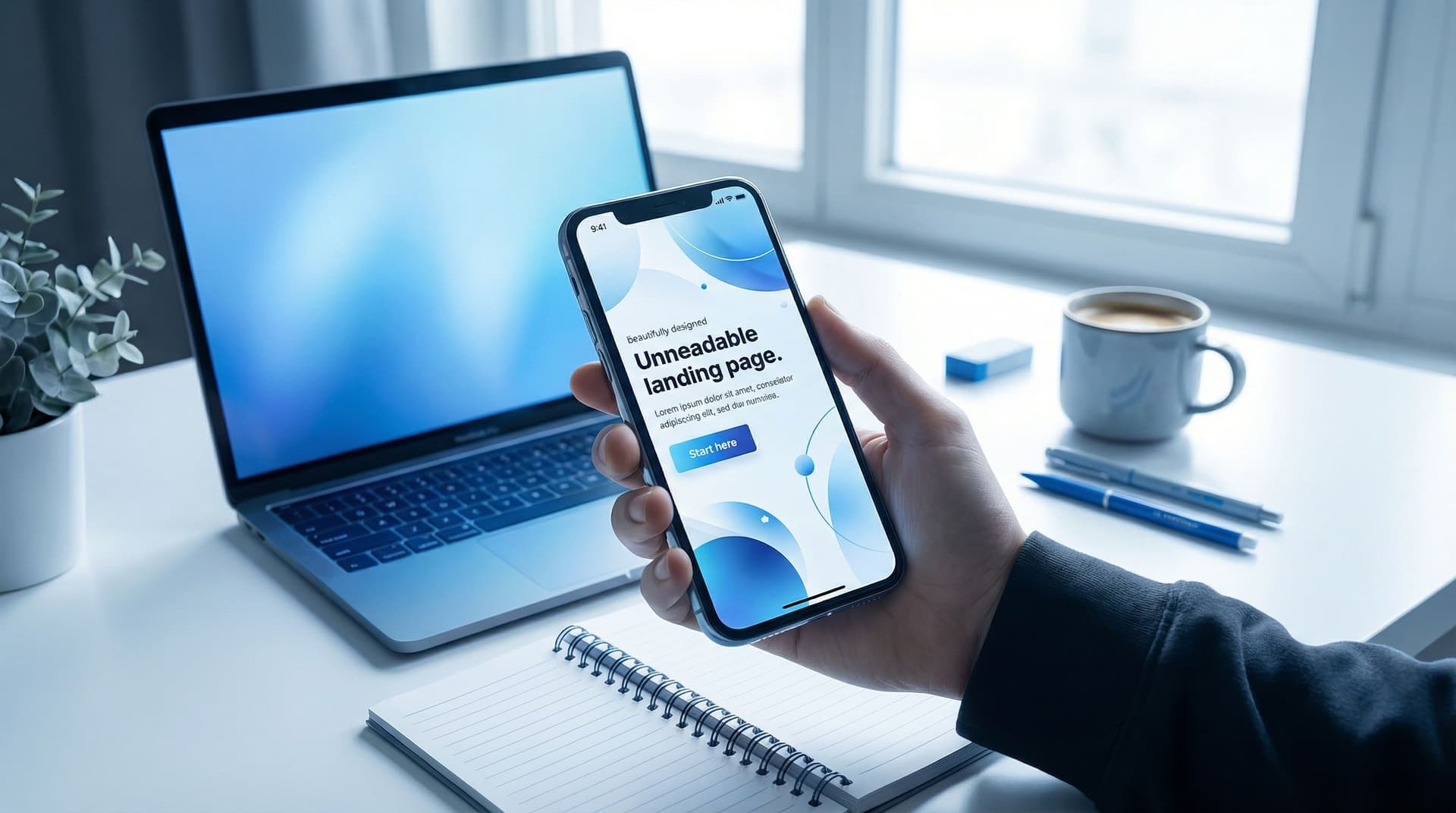
Your link in bio is not a cute little menu anymore.
It’s a landing page.
Every time someone taps it, they’re raising their hand and saying, “Okay, I’m interested. Show me what you’ve got.” If what they see is a random list of buttons with vague labels like “New!!” and “Check this out,” they’ll do what you do when you hit a confusing page:
Tap back. Scroll away. Forget.
But when you treat your bio link like a real landing page—and you pair it with sharp, intentional copy—you can quietly double (or more) the number of people who actually click, sign up, and buy.
That’s where a flexible, design-forward tool like Liinks shines. It lets you build a page that looks like you… and then your copy does the heavy lifting behind the scenes.
This guide is all about those words: 7 simple copy tweaks you can make on your link-in-bio page to get more people to do the thing you actually want.
Why Your Link in Bio Has to Act Like a Landing Page Now
Social platforms are where people first meet you. Your bio link is where they decide whether to go deeper.
If your page is:
- A long, unordered list of links
- Full of generic labels like “Blog,” “Shop,” or “Podcast”
- Missing any sense of priority or next step
…you’re asking a tired, scrolling human to make way too many decisions.
When you treat your Liinks page like a landing page instead, you:
- Guide people to one clear next step instead of 17 maybes
- Reduce decision fatigue so clicks feel easy, not like work
- Match your page to your current goals (grow your list, sell your offer, fill your calendar)
If you need help deciding what should go first, bookmark this for later: The ‘Link in Bio’ Decision Tree: What to Feature First When You Have Way Too Many Things to Promote.
Once you know the what, this post helps you nail the words.
Trick #1: Turn Your Page Title into a Promise, Not a Label
Most creators waste the most valuable line on the entire page.
Common page titles:
- “Welcome to my links”
- “All my links in one place”
- “Link in bio” (we know, we’re already here)
None of that tells your visitor why they should care.
Instead, treat your page title like a mini headline. Make it a promise:
- “Start here: tools, trainings, and templates to simplify your business”
- “Everything you need to go from ‘lurker’ to paid client”
- “Resources to help you land brand deals in the next 90 days”
Formula you can steal:
[Outcome] for [who] without [annoying thing]
Examples:
- “Content systems for busy creators without 40-hour weeks on Notion”
- “Confidence on camera for shy creators without fake ‘YouTube voice’”
On Liinks, this can live in your page title or top text block. Keep it to 1–2 lines, big and bold.
Trick #2: Rename Every Button to Finish the Sentence “I Want To…”
Your visitors don’t think in nouns. They think in actions.
They’re not waking up saying, “I hope I can find a newsletter today.” They’re thinking:
- “I want to get better at editing Reels.”
- “I want to finally launch my offer.”
- “I want to stop guessing what to post.”
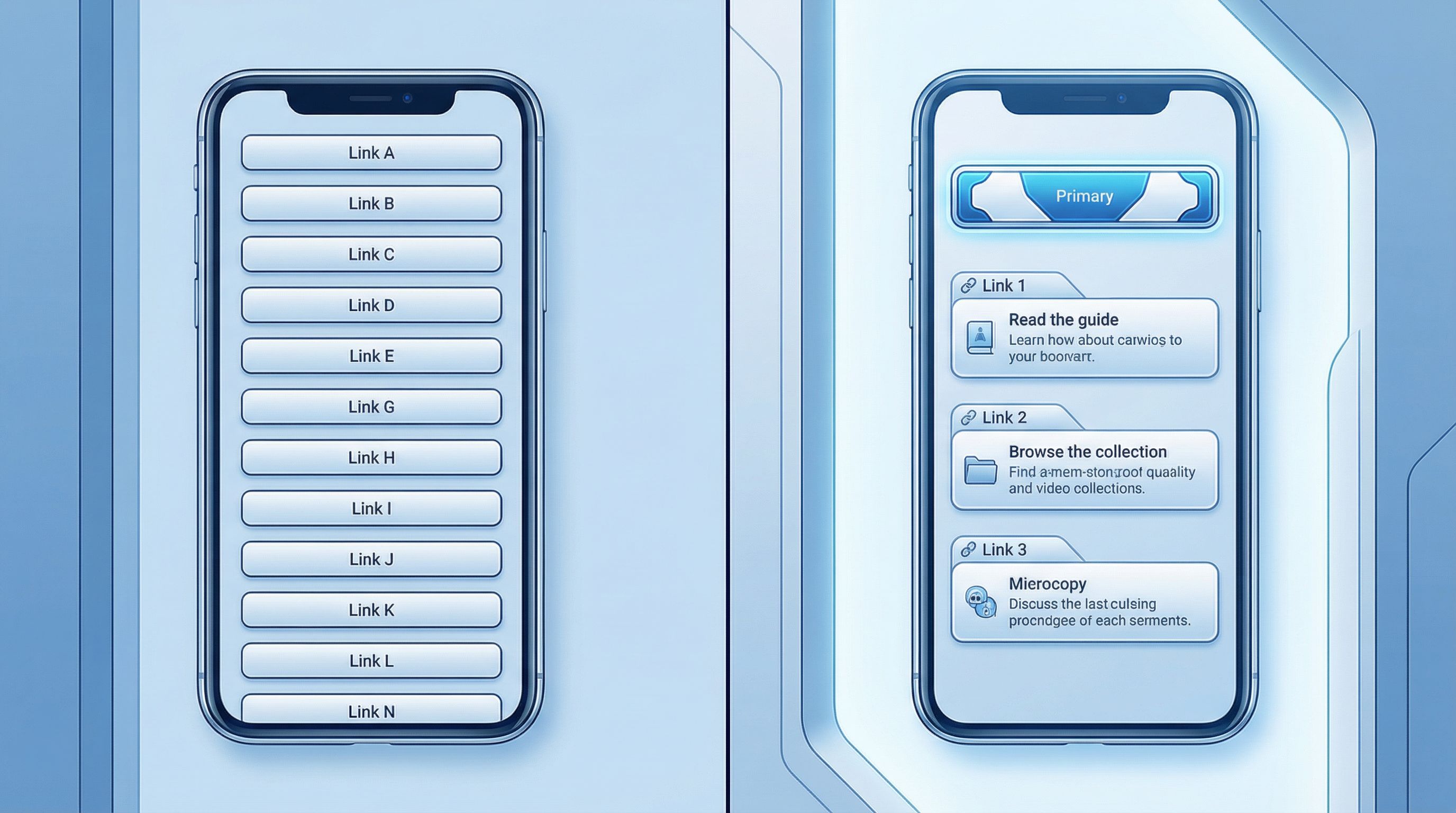
So instead of button labels like:
- “Newsletter”
- “Free guide”
- “Coaching”
Try labels that complete the sentence “I want to…”:
- “Get my weekly content prompts” (newsletter)
- “Steal my 30-day launch checklist” (free guide)
- “Work with me 1:1 on your offer” (coaching)
A quick way to do this:
- List your current links.
- Next to each one, write what your ideal follower is trying to do.
- Rewrite the label so it sounds like their thought, not your folder name.
You can still mention the format in smaller text:
- Button label: “Steal my 7-day content calendar”
Subtext: “Free Notion template”
That way, your button sells the outcome, and the subtext clarifies the format.
For more on structuring your page for binge-y behavior (so people click more than one thing), pair this with From Bio Link to Binge Session: Structuring Your Liinks Page Like a Netflix Queue (So People Don’t Bounce).
Trick #3: Use Micro-Descriptions Like Tiny Salespeople
Most tools (including Liinks) let you add a line of text under each button. That line is not decoration. It’s your secret weapon.
Instead of repeating the title (“My course about Reels”), use that micro-line to answer one of three questions your visitor has:
-
“What is this?”
- “60-minute workshop replay + workbook”
- “Weekly email with 3 plug-and-play hooks”
-
“Who is this for?”
- “Perfect if you’re under 10k followers and feel stuck”
- “For freelancers who want to raise their rates this quarter”
-
“Why should I care now?”
- “New: live cohort starts May 5”
- “Limited-time bonus: client email templates included”
Pick one angle per link. Don’t try to cram all three into one tiny line.
Bad:
“Course about content, 8 modules, for creators, doors close soon.”
Better:
“8-module content course for creators who want consistent clients.”
Write these like you’re texting a friend who already likes you and just needs the nudge.
Trick #4: Make One Link the Star of the Show (and Say So Out Loud)
If everything looks equally important, nothing is.
Your link in bio should have one obvious main action—and your copy should make that painfully clear.
Ways to do this with words:
- Add a small label above your main button: “Start here” or “Best place to begin”
- Use urgency or timing: “This month’s main focus: Client Attraction Bootcamp”
- Add a short explainer right above your top link:
“New here? Start with the free 5-day email series. It’ll walk you through the basics.”
Then, back it up with layout and design:
- Put that link first.
- Give it a slightly different color or style.
- Add an emoji or icon at the start of the label if that fits your brand (sparingly).
If you’re not sure what should be the star, that’s exactly what we unpack in The High-Intent Link in Bio: How to Attract People Who Are Ready to Buy (Not Just Browse).
Your job: reduce thinking. When someone lands on your Liinks page, they should know in one glance: “Oh, I’m supposed to start there.”
Trick #5: Add Social Proof in 12 Words or Less
You don’t need a giant testimonials wall. You need one or two sharp proof points.
Drop tiny bits of social proof right where decisions happen—near the links themselves.
Ideas:
- Under a course link:
“Trusted by 500+ creators” - Under a newsletter signup:
“Join 3,200+ founders who get this every Monday” - Under a strategy call link:
“Spots usually book out 2 weeks in advance”
You can also add a single, short testimonial block near the top:
“I doubled my monthly clients after implementing this system.” — Jess, designer
Keep it real, specific, and short enough to read in under two seconds.
If you’re using Liinks, you can drop this into a text block between your headline and your main button. Think of it as a friend leaning over your visitor’s shoulder and saying, “Hey, this is actually worth your time.”
Trick #6: Match Your Link Copy to the Content That Sends People There
Most people don’t land on your bio link by accident. They come from:
- A Reel/TikTok you just posted
- A story where you mentioned a resource
- A podcast episode where you said “link in the show notes”
The copy on your page should echo the exact phrases you used in that content.
If your story says:
“Tap the link in my bio and grab the ‘Client Email Vault.’”
But your button says:
“Email templates”
…you’ve just made your follower play “spot the difference” while their thumb is hovering over the back button.
Instead:
- In content: “Grab the Client Email Vault.”
- On your Liinks page: Button label: “Get the Client Email Vault”
Subtext: “37 plug-and-play emails for landing and keeping clients”
Same phrase, same promise, zero friction.
This also works beautifully when you’re running a quiet launch or testing new offers. You can mention a specific phrase in your content, mirror it on one top link, and track how many people actually click it—no full launch needed. (If that sounds appealing, you’ll like The “Quiet Launch” Playbook: Using Liinks to Test New Offers Before You Announce Them Anywhere.)
Pro tip: if a certain phrase or name keeps getting replies, DMs, or comments, use that language on your page. Your audience is literally writing your copy for you.
Trick #7: Add a Soft Navigation Line for Skimmers
Some people land on your page and know exactly what they want.
Others are just “bio link curious.” They like you, they’re vaguely interested, but they don’t know what they’re looking for yet.
Give those people a one-line map near the top of your page.
Examples:
- “Looking for: my course • free resources • newsletter • brand deal info”
- “Pick your path: start learning • work with me • binge content • shop tools”
This does three things:
- Sets expectations for what lives on the page
- Makes your offers feel organized, not chaotic
- Helps skimmers self-sort without scrolling forever
On Liinks, you can drop this as a simple text line right under your main headline. Keep it short, separated by bullets or dots.
Then, group your links to roughly match that map:
- “Start learning” → free guides, workshops, newsletter
- “Work with me” → services, applications, consults
- “Binge content” → podcast, YouTube, top posts
Even if you only have a few links, this tiny navigation line makes your page feel intentional—like a landing page, not a junk drawer.
Putting It All Together: A Quick Before-and-After Checklist
Let’s say your current page looks like this:
- Title: “All my links”
- Buttons: “YouTube,” “Podcast,” “Newsletter,” “Shop,” “Coaching”
- No descriptions, no social proof, no clear priority
After applying these 7 tricks, it might look more like:
- Headline: “Systems, templates, and trainings to help you get clients from content”
- Soft nav line: “Start here • Work with me • Free resources • Binge content”
- Star link:
- Label: “Start here: Get the Client Magnet Starter Kit”
- Subtext: “Free 5-day email series + checklist”
- Other links:
- “Book a 1:1 Strategy Intensive”
- Subtext: “Perfect if you want a 90-day content plan”
- “Join my weekly content prompts newsletter”
- Subtext: “3 ideas every Monday—loved by 3,200+ founders”
- “Binge my top 10 YouTube tutorials”
- Subtext: “Start with the ‘Client Content in 60 Minutes’ video”
- “Book a 1:1 Strategy Intensive”
- Tiny proof line: “Creators using these systems have doubled client inquiries in 3–6 months.”
Same offers. Same person. Totally different experience.
How to Implement This in Under an Hour
You don’t need a full rebrand to make these changes. Block off 45–60 minutes and:
- Rewrite your headline using the promise formula.
- Outcome + who + without annoying thing.
- Choose your star link.
- If you froze, read The High-Intent Link in Bio for help.
- Rename your buttons to finish “I want to…”
- Add micro-descriptions that answer “what,” “who,” or “why now.”
- Drop in 1–2 social proof lines.
- Numbers if you have them, specifics if you don’t.
- Match your link labels to your current content.
- Especially anything you’re actively promoting this week.
- Add a soft nav line at the top so skimmers get a map.
If you’re using Liinks, you can do all of this with:
- A quick headline tweak in your page settings
- Renaming and reordering your existing blocks
- Adding short text blocks where needed (proof, navigation, context)
No dev. No redesign. Just sharper words.
TL;DR: The 7 Copy Tricks That Quietly Boost Click-Throughs
To recap, here’s your new copy playbook for your link-in-bio landing page:
- Turn your page title into a promise, not a label.
- Rename every button to finish “I want to…” from your visitor’s POV.
- Use micro-descriptions as tiny salespeople that clarify what/for who/why now.
- Make one link the star and say so out loud with words like “Start here.”
- Sprinkle in 12-word social proof where decisions happen.
- Match your link copy to the phrases you use in content to remove friction.
- Add a one-line navigation map so skimmers don’t bounce.
None of these require you to be a copywriter. They just require you to stop labeling things like folders and start talking like a human who knows what your audience wants.
Ready to Turn Your Bio Link into a Real Landing Page?
If you’ve read this far, your current link in bio is probably… fine.
But “fine” doesn’t get people to click your offer, join your list, or binge your work.
Here’s your next move:
- Open your current link-in-bio page in one tab.
- Open your Liinks editor (or sign up if you haven’t yet) in another.
- Work down the 7-trick checklist and update your copy line by line.
By the time you’re done, your page will:
- Look like you on your best day
- Read like it actually knows your audience
- Behave like a real landing page that earns its clicks
Your audience is already tapping your bio link. Make those taps count.
Start by rewriting just one thing—the headline, the star link, or the nav line—right now. The rest will follow.